Gear article
Fender AudioBox GO Audio Interface
The Fender AudioBox GO is an ultra-compact, bus-powered USB audio interface designed for mobile recording, podcasting, and content creation. It features high-resolution 24-bit/96 kHz conversion and an XMAX-L preamp to deliver professional-quality audio in a lightweight, portable form factor.
See live pricesOverview
The Fender AudioBox GO serves as a lightweight solution for musicians and creators who require a travel-friendly recording setup. As the smallest member of the Fender Studio interface line, it focuses on essential connectivity without sacrificing audio fidelity. The unit is designed to fit into a pocket or laptop bag, providing a functional bridge between analogue sound sources and digital workstations.
Design and Connectivity
The interface features a streamlined layout with two primary inputs:
- Combo Mic/Line Input: Utilises an XMAX-L preamp for recording vocals or line-level signals.
- Dedicated Instrument Input: Specifically designed for high-impedance sources like electric guitars or basses.
For monitoring, the unit includes main line outputs for studio monitors and a headphone output. A key functional feature is the direct monitoring capability, which allows users to hear their input signal in real-time, effectively eliminating the latency often associated with software processing.
Audio Performance
Despite its entry-level price point, the AudioBox GO supports high-resolution recording up to 96 kHz at a 24-bit depth. The inclusion of the XMAX-L preamp provides high-headroom gain, which is crucial for capturing clean signals from microphones. This ensures that voiceovers, acoustic instruments, and electric guitars are recorded with clarity and minimal self-noise.
Target Audience
This interface is primarily suited for:
- Podcasters and Voiceover Artists: The compact size and clean preamp make it ideal for spoken word recording in varying environments.
- Guitarists and Bassists: The dedicated Hi-Z instrument input allows for easy DI (Direct Injection) recording.
- Mobile Creators: Since it is bus-powered and requires no external power supply, it is a preferred choice for recording on the road with a laptop.
Market Comparison
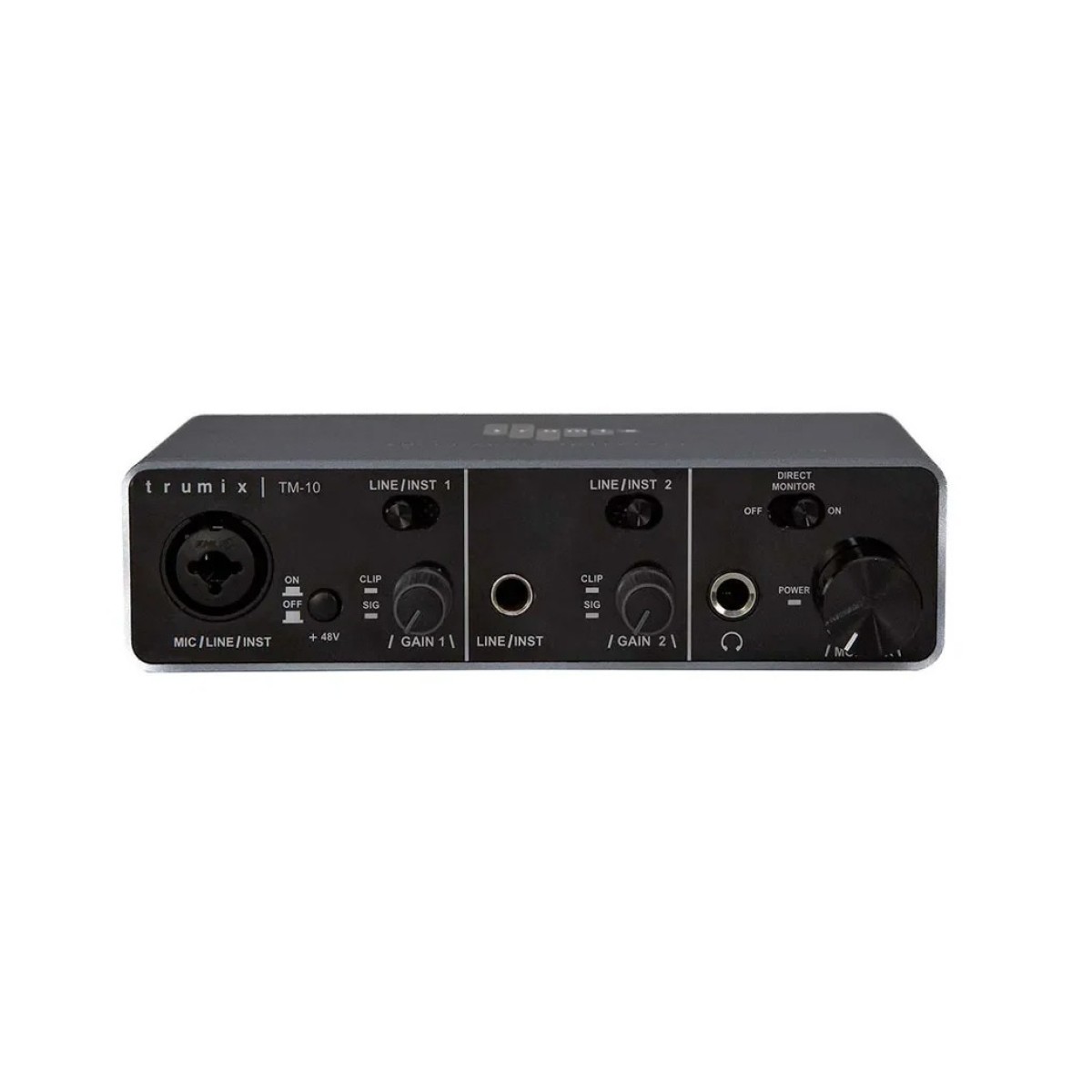
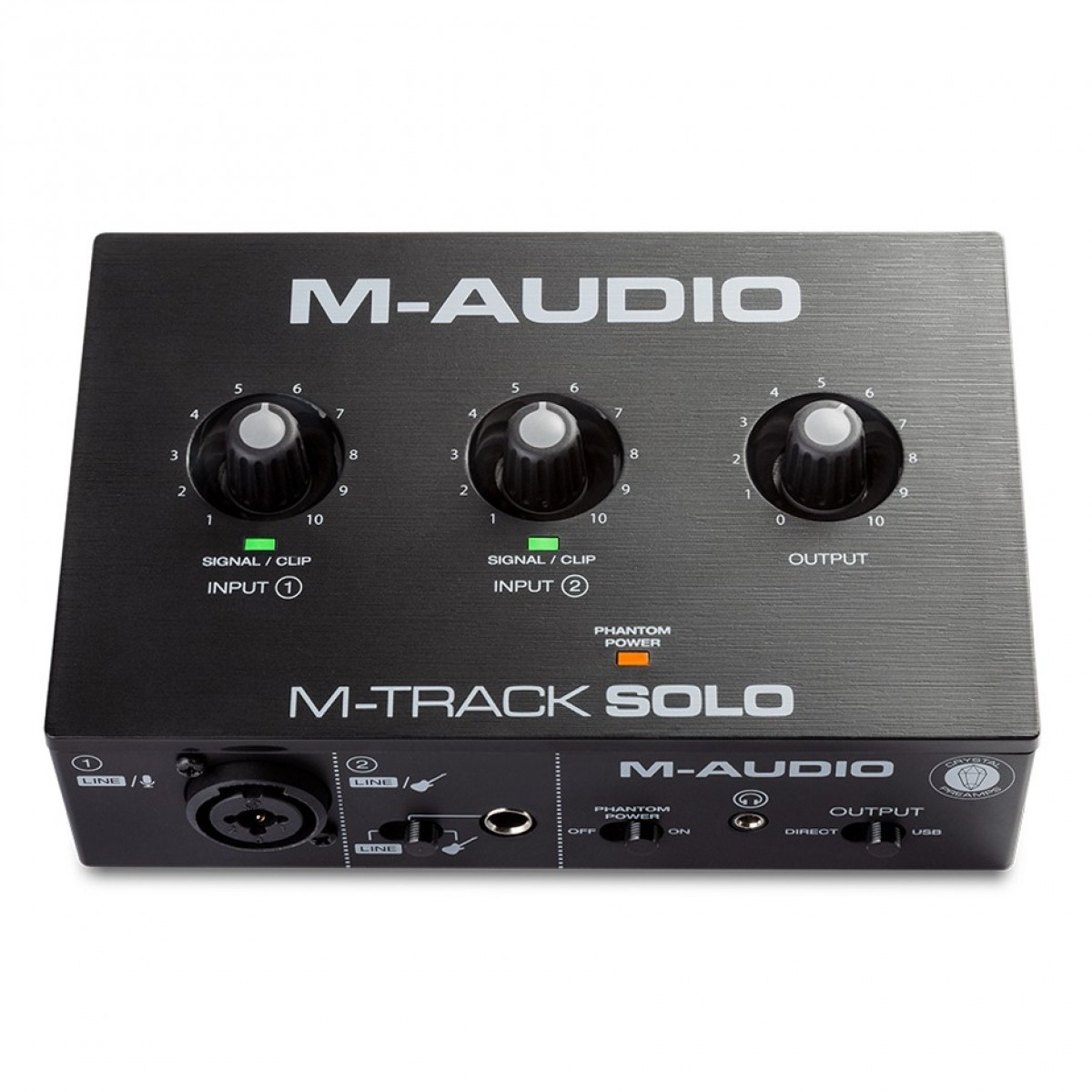
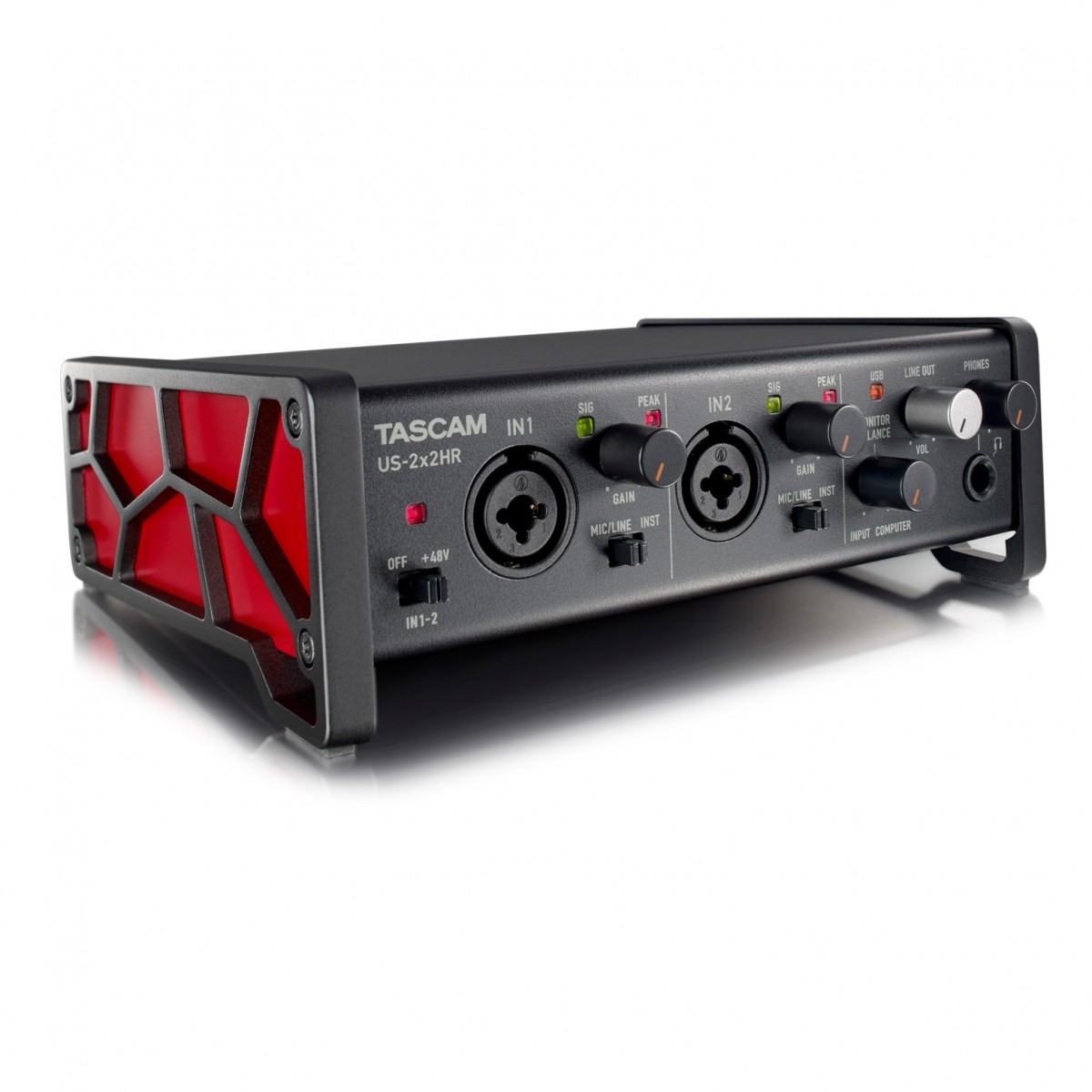
Within the budget audio interface market, the AudioBox GO competes with several established models. While the Focusrite Scarlett 2i2 and Tascam US-2x2HR offer more expansive connectivity, the AudioBox GO is often favoured for its smaller footprint and aggressive price point. It sits alongside other compact units like the M-Audio M-Track Solo and the Trumix TM-10, distinguishing itself through its specific XMAX-L preamp architecture and 96 kHz resolution.
Related gear
 £319.00 ($405)
Blackstar
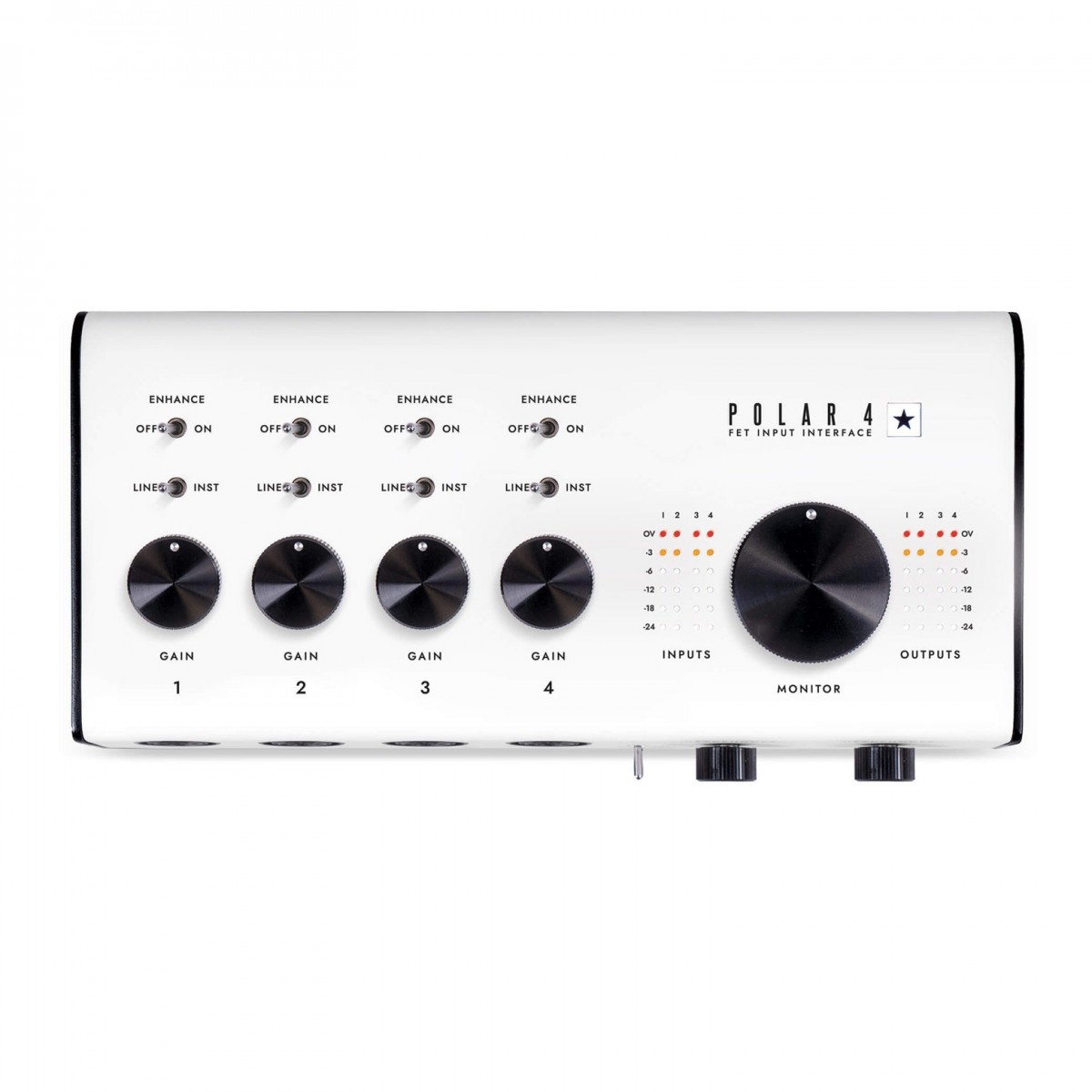
Blackstar Polar 4 Audio Interface
 £1,499.00 ($1,904)
Motu
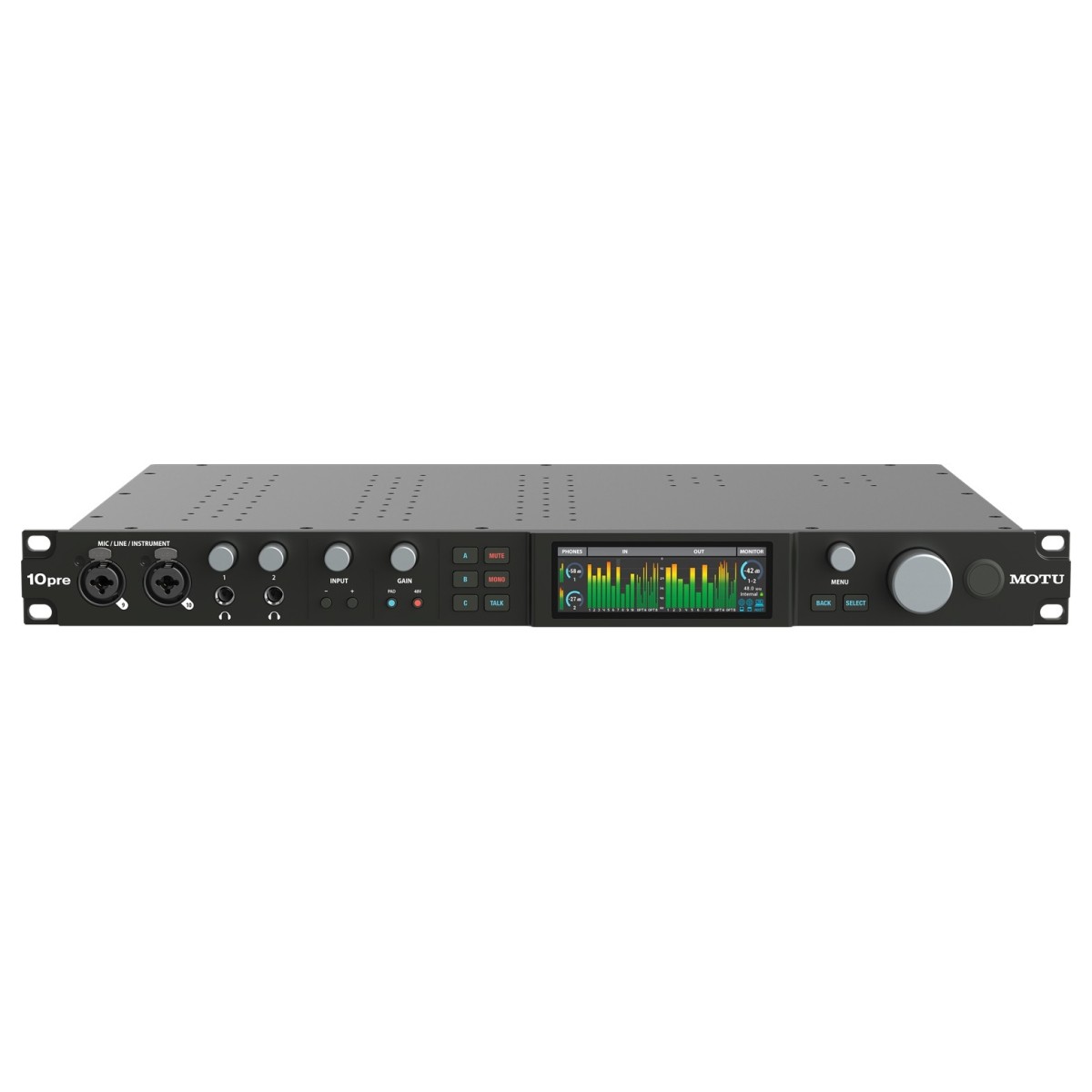
MOTU 10Pre USB/Thunderbolt Audio Interface
 £39.99 ($51)
Trumix
Trumix TM-10 USB Audio Interface
 £40.80 ($52)
M-Audio
M-Audio M-Track Solo 2 Channel USB Interface
 £135.00 ($171)
Tascam
Tascam US-2x2HR USB Audio Interface
 £57.10 ($73)
Behringer
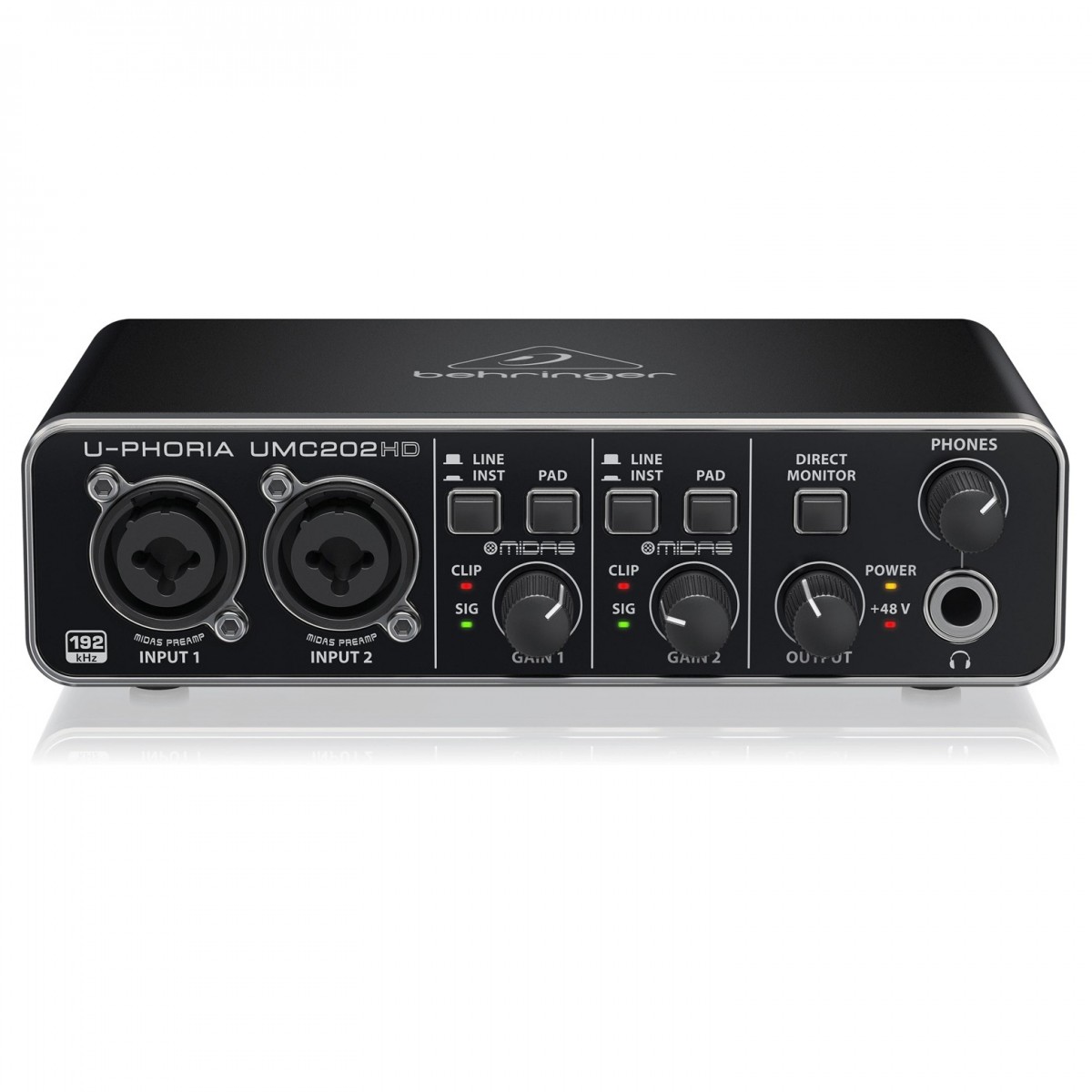
Behringer U-PHORIA UMC202HD USB Audio Interface
 £299.00 ($380)
M-Audio
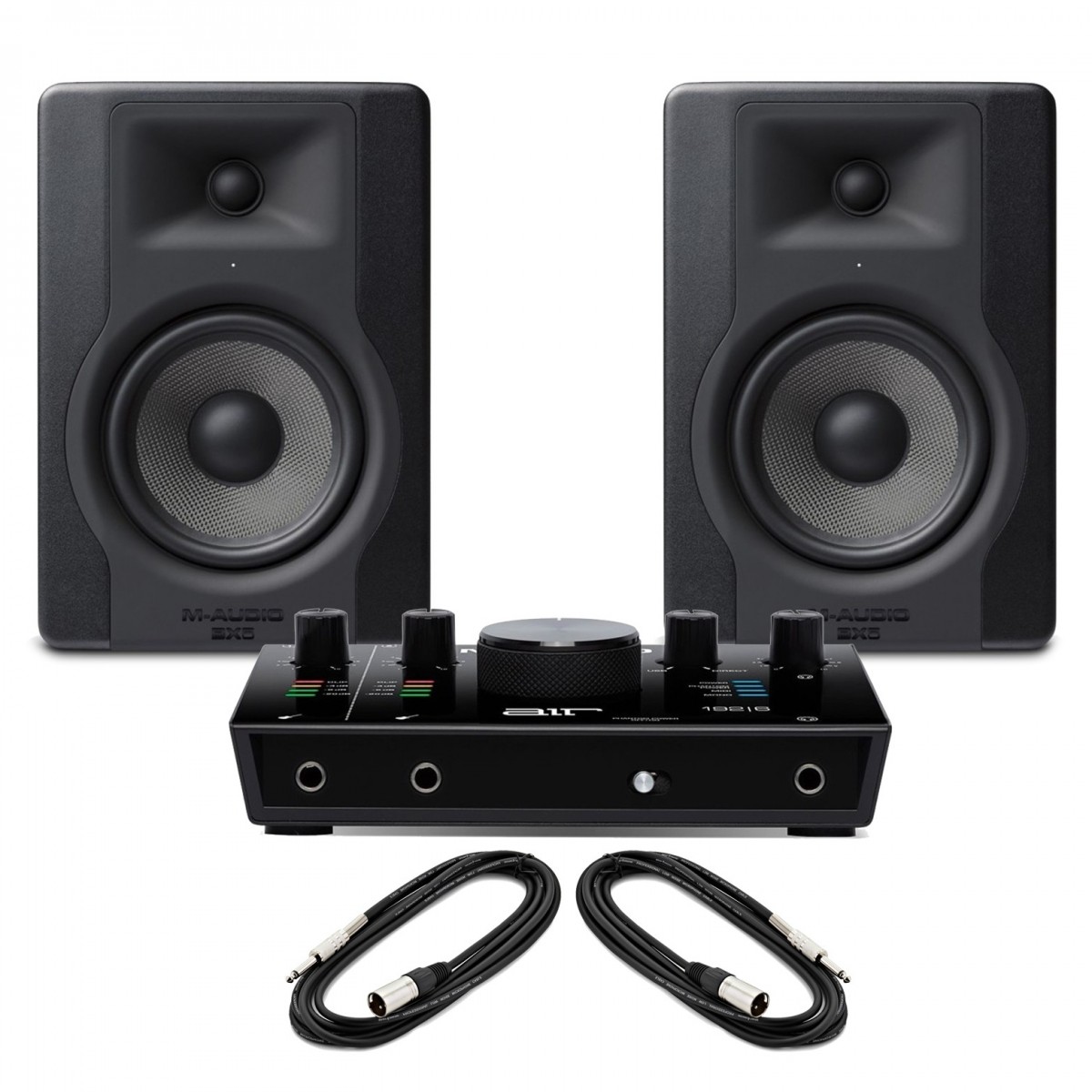
M-Audio AIR 192 6 Audio Interface and BX5-D3 Monitor Bundle
 £315.00 ($400)
Focusrite
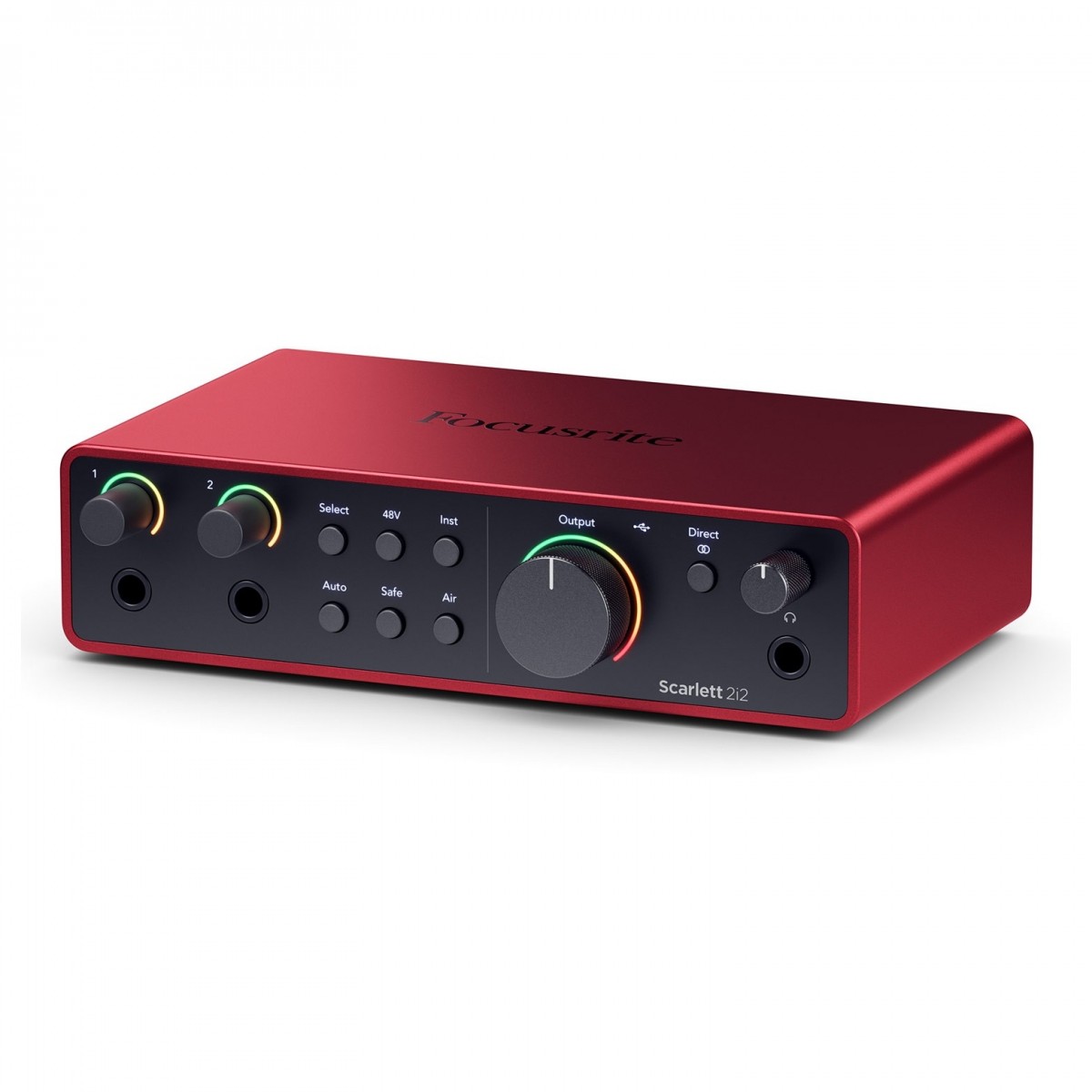
Focusrite Scarlett 2i2 4th Gen Audio Interface
Frequently asked questions
- What is the maximum sample rate of the AudioBox GO?
- The interface supports high-resolution recording up to 24-bit/96 kHz. This allows for professional-standard audio quality in a portable format.
- Does this interface require a separate power supply?
- No, the AudioBox GO is entirely bus-powered via USB. It draws power directly from your computer or connected mobile device, making it ideal for travel.
- Can I record a guitar and a microphone at the same time?
- Yes, the device features a combo mic/line input and a dedicated instrument input. This allows for simultaneous recording of two separate sources.
- What kind of preamp does the AudioBox GO use?
- It is equipped with an XMAX-L preamp. This design is known for providing clear sound with significant headroom for recording various audio sources.
- Is there a way to monitor my recording without delay?
- Yes, the interface includes a direct monitoring feature. This sends the input signal directly to your headphones or speakers to eliminate software latency.
- What are the main output options?
- The unit features main line outputs for connecting to studio monitors. It also includes a dedicated headphone output for private listening and tracking.
- Is the AudioBox GO suitable for podcasting?
- Yes, its portable design and high-quality preamp make it an excellent choice for podcasters. It provides clean gain for voice recording in a compact setup.
- How does this model compare to the Focusrite Scarlett 2i2?
- The AudioBox GO is more compact and typically more affordable than the Scarlett 2i2 4th Gen. While the Scarlett may offer more inputs or features, the Fender model focuses on ultra-portability.
- Can I use this for mobile recording with a laptop?
- Absolutely, its lightweight, ultra-compact design is specifically intended for mobile use. The bus-powered nature ensures you don't need to find a wall outlet while working.
- What is the typical price range for this interface?
- The Fender AudioBox GO is generally available for approximately £71. Prices may vary slightly depending on the retailer and current promotions.
- Does it have a dedicated instrument input?
- Yes, it features one dedicated instrument input alongside the combo mic/line input. This is specifically balanced for high-impedance instruments like electric guitars.
- What software can I use with the AudioBox GO?
- The interface is compatible with most major digital audio workstations (DAWs). It functions as a standard USB audio device on macOS and Windows systems.