Gear article
iCON P1 Nano USB MIDI DAW Controller
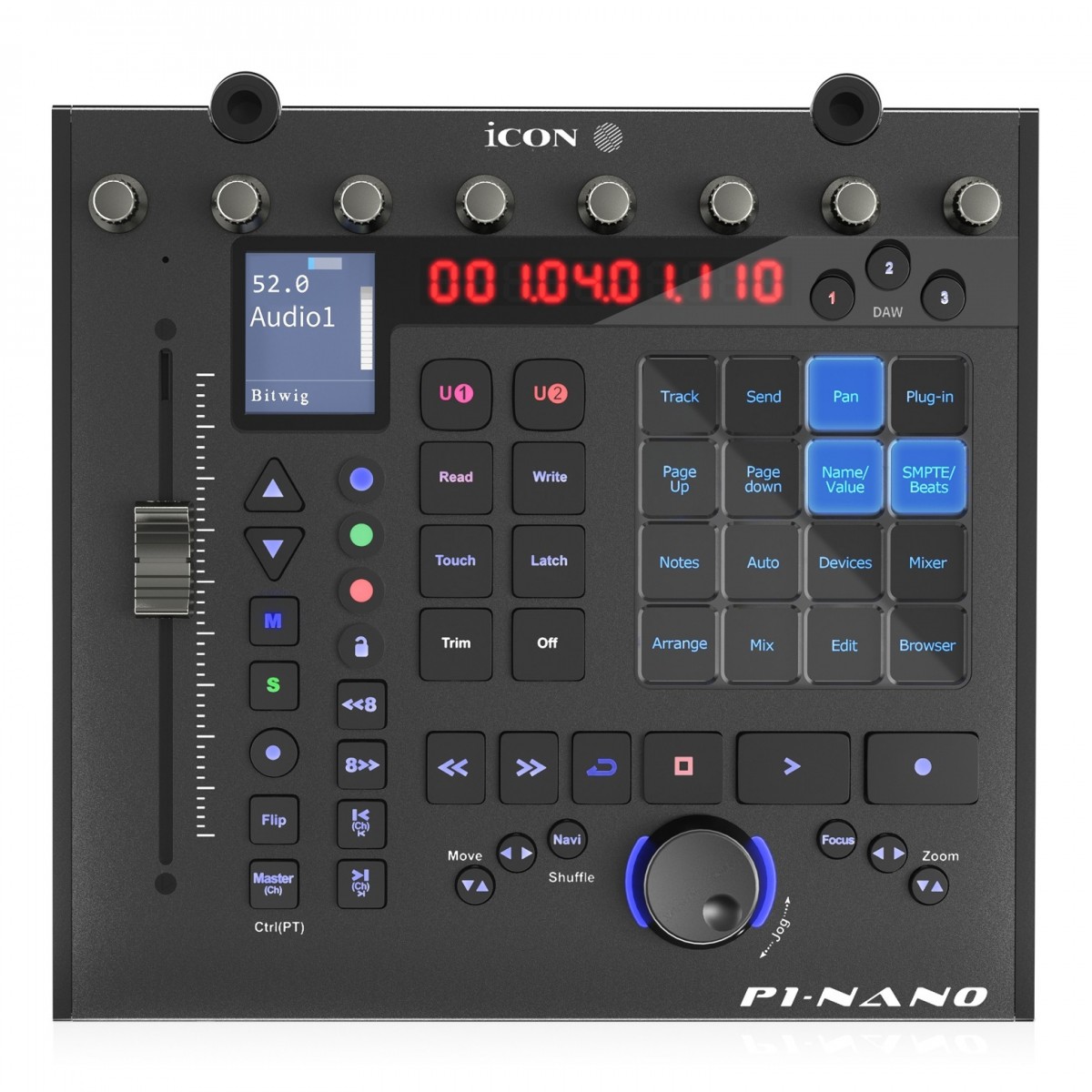
The iCON P1 Nano is a compact USB MIDI control surface designed for tactile manipulation of digital audio workstations (DAWs). It features a motorised fader, dual-function encoder knobs, and a customisable touchscreen to streamline mixing, mastering, and sound design workflows.
Overview
The iCON P1 Nano is a professional-grade control surface engineered to bridge the gap between software-based production and physical hardware interaction. Primarily aimed at musicians, producers, and audio engineers, the unit provides a compact footprint for those who require precision control without the space requirements of a full-scale mixing console. It is built to facilitate efficient navigation and parameter adjustment within various digital audio environments.
History and Background
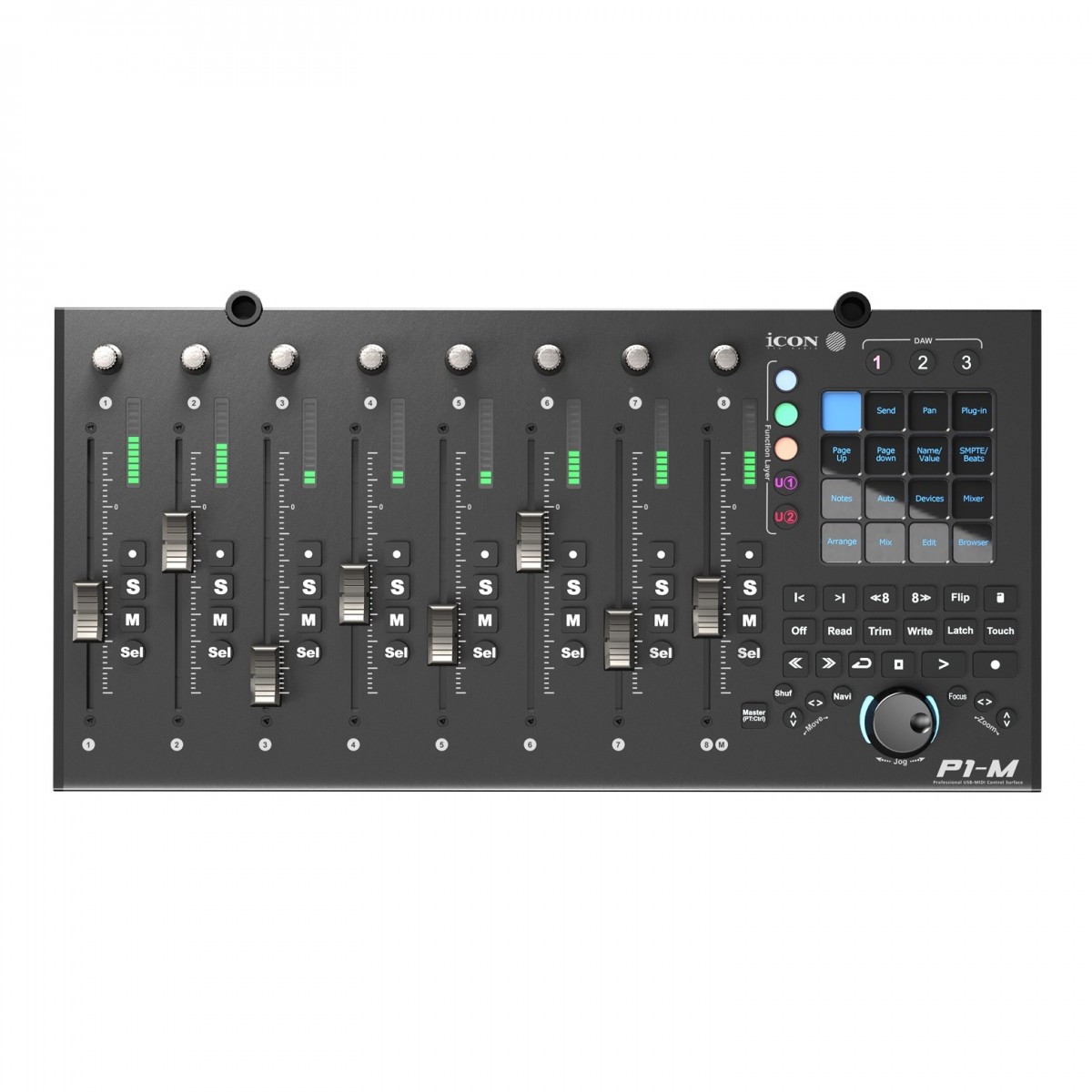
Developed by iCON Pro Audio, the P1 Nano represents a continuation of the brand's efforts to provide modular and portable control solutions. It sits alongside larger units in the series, such as the iCON P1-M, serving as a single-fader alternative for smaller studio setups or mobile recording rigs. The design philosophy focuses on multi-DAW compatibility, ensuring that the hardware remains relevant as users switch between different software platforms.
Key Features and Operation
The hardware interface is centred around a high-resolution, touch-sensitive motorised fader, allowing for automated volume control and precise level setting.
Additional control elements include: * Dual-Function Encoders: Eight knobs that offer tactile control over pans, EQ, and plugin parameters. * Customisable Touchscreen: A dedicated display that can be personalised to match specific workflow requirements and shortcut commands. * Multi-DAW Integration: The unit supports simultaneous connection and switching between different DAW software, such as Cubase, Logic Pro X, and Ableton Live. * Real-time Feedback: The motorised fader reacts to software automation in real-time, providing immediate visual and physical status of the active channel.
Application and Suitability
The P1 Nano is particularly suited for home studio owners, mobile producers, and engineers who focus on 'in-the-box' mixing but prefer the feel of physical faders. Its compact size makes it an ideal companion for laptop-based setups. While it excels at mixing and mastering tasks, its customisable touchscreen also makes it a valuable tool for sound designers who need quick access to complex macro commands.
Comparison to Alternatives
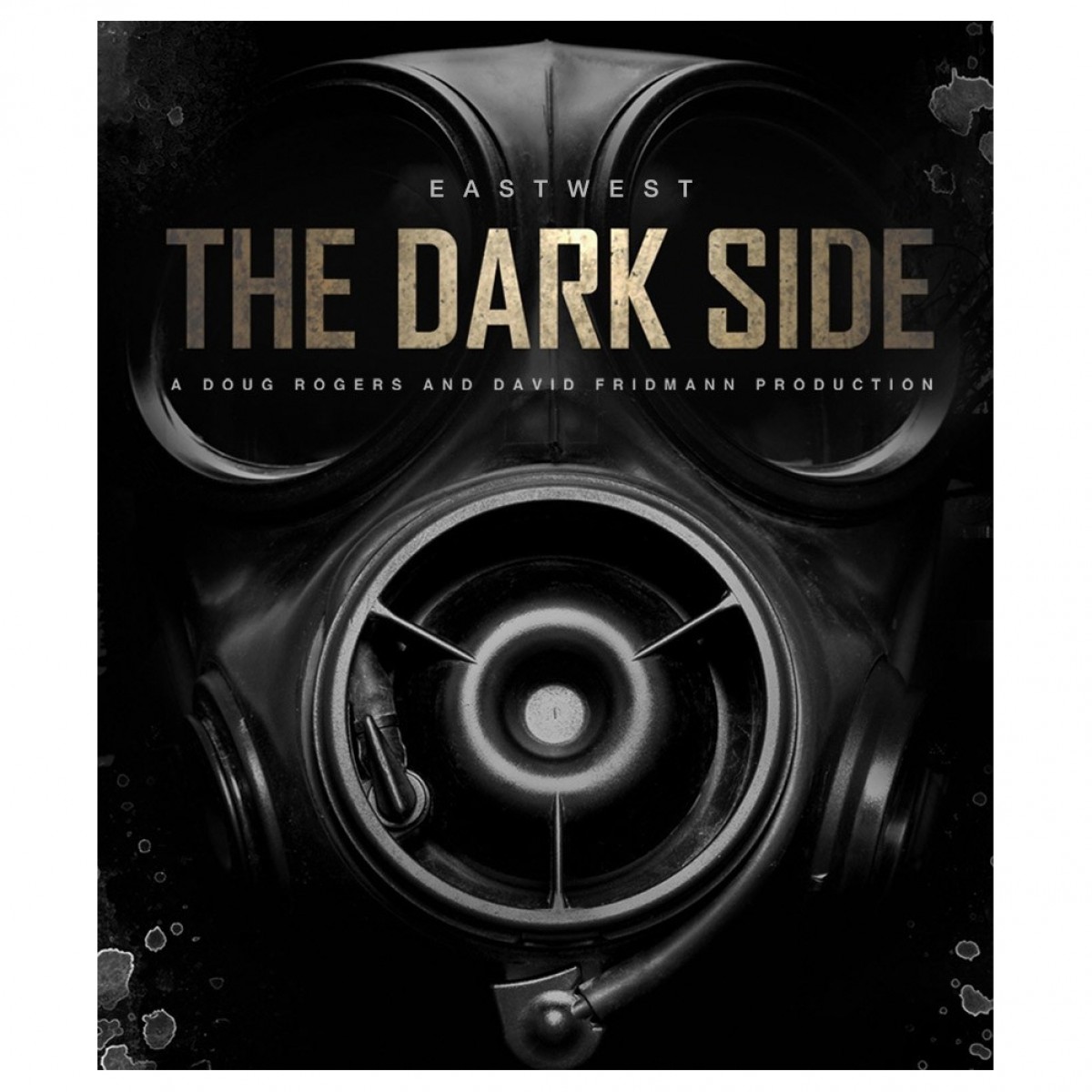
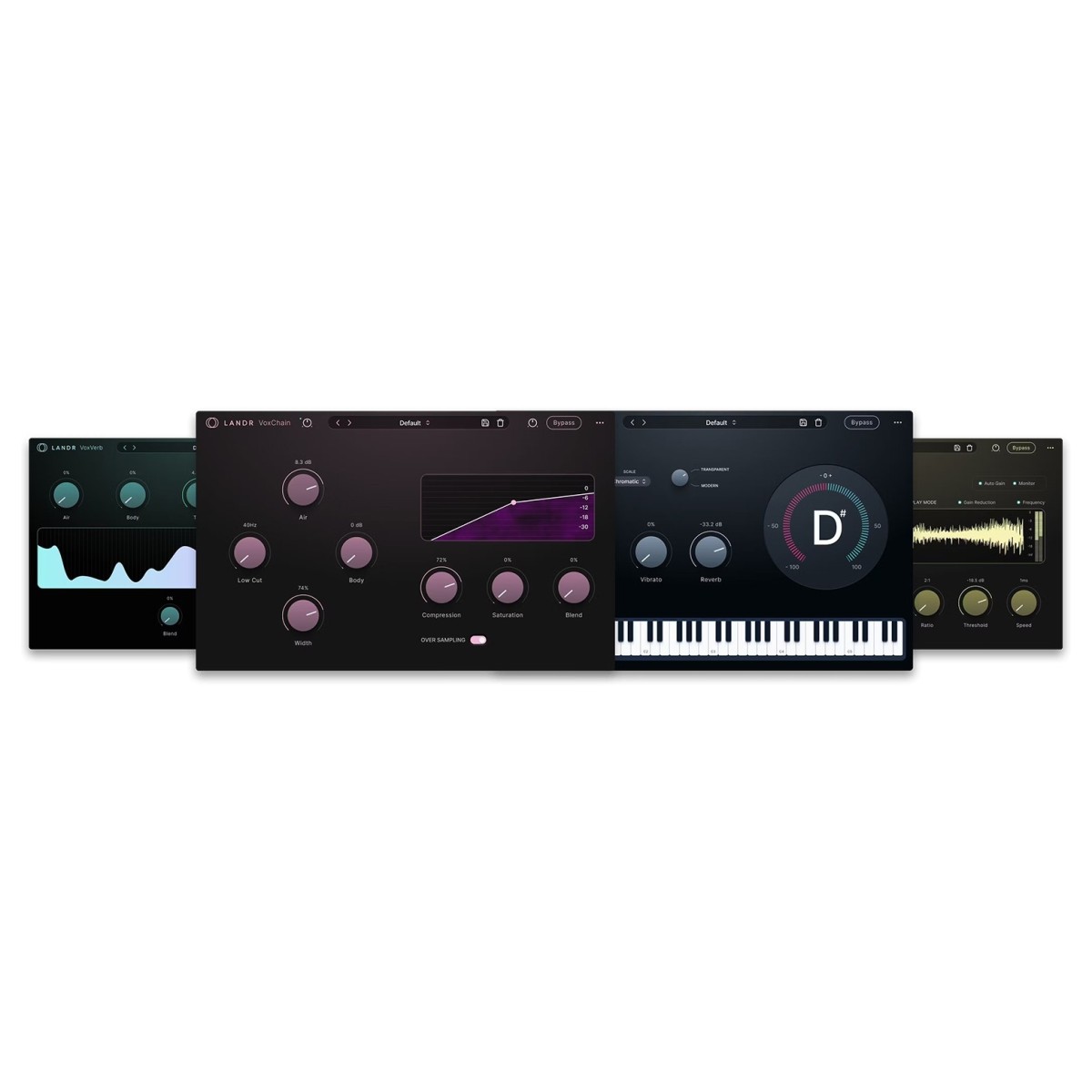
Compared to larger counterparts like the iCON P1-M, the P1 Nano offers a more focused, single-channel experience at a lower price point. While software-only solutions like the LANDR Vocal Plugin Bundle or EastWest The Dark Side provide digital processing, the P1 Nano offers the physical tactile response that these plugins lack when controlled via a mouse. It competes in a market with other compact controllers by offering a unique blend of a motorised fader and a customisable touchscreen interface.
Related gear
- £485.00 ($616)
ICON
iCon P1-M USB MIDI DAW Controller
 £68.00 ($86)
Eastwest
EastWest The Dark Side Plugin
 £54.99 ($70)
Klevgrand
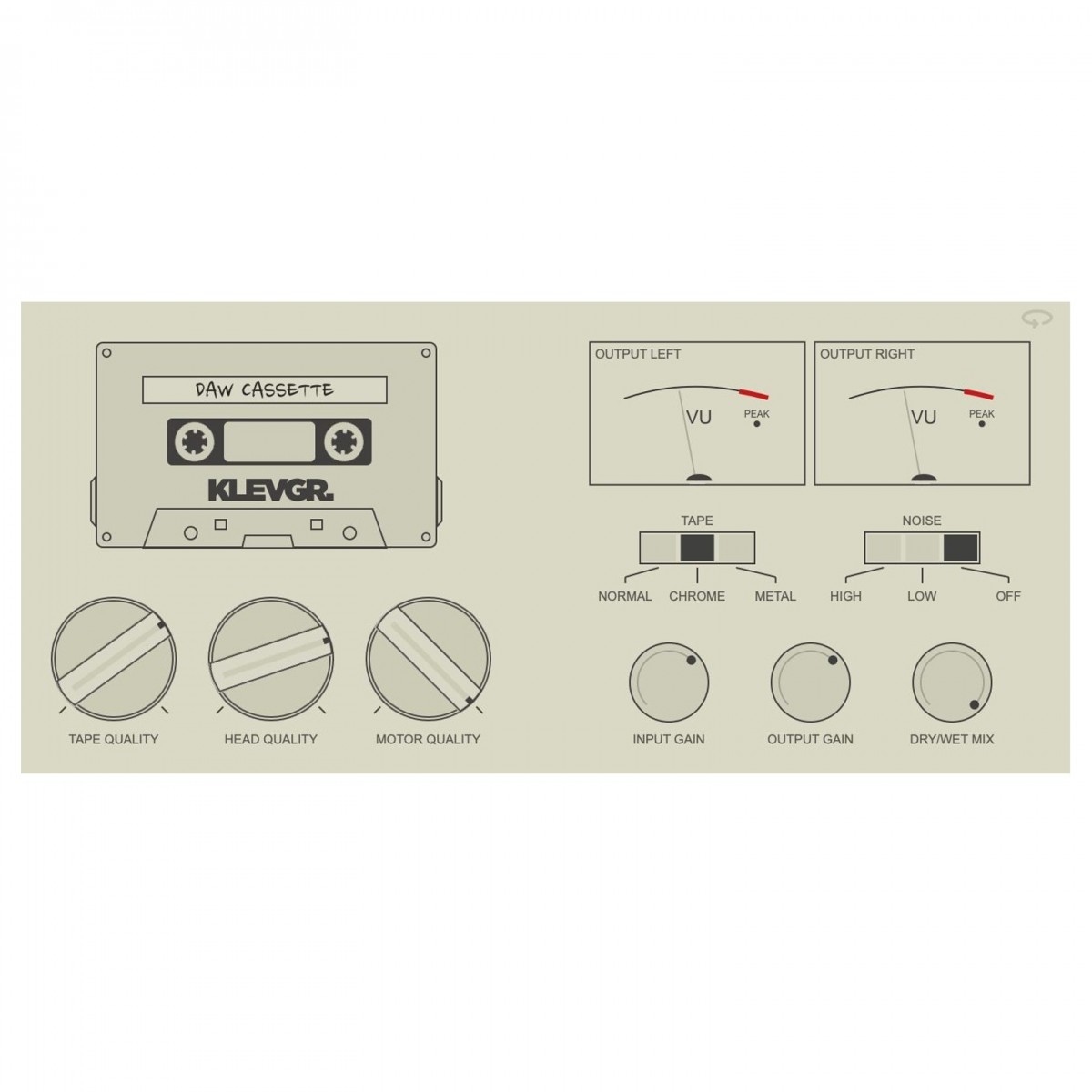
Klevgrand DAW Cassette - Tape Deck Emulation
 £189.00 ($240)
LANDR
LANDR Vocal Plugin Bundle
 £73.00 ($93)
TC Electronic
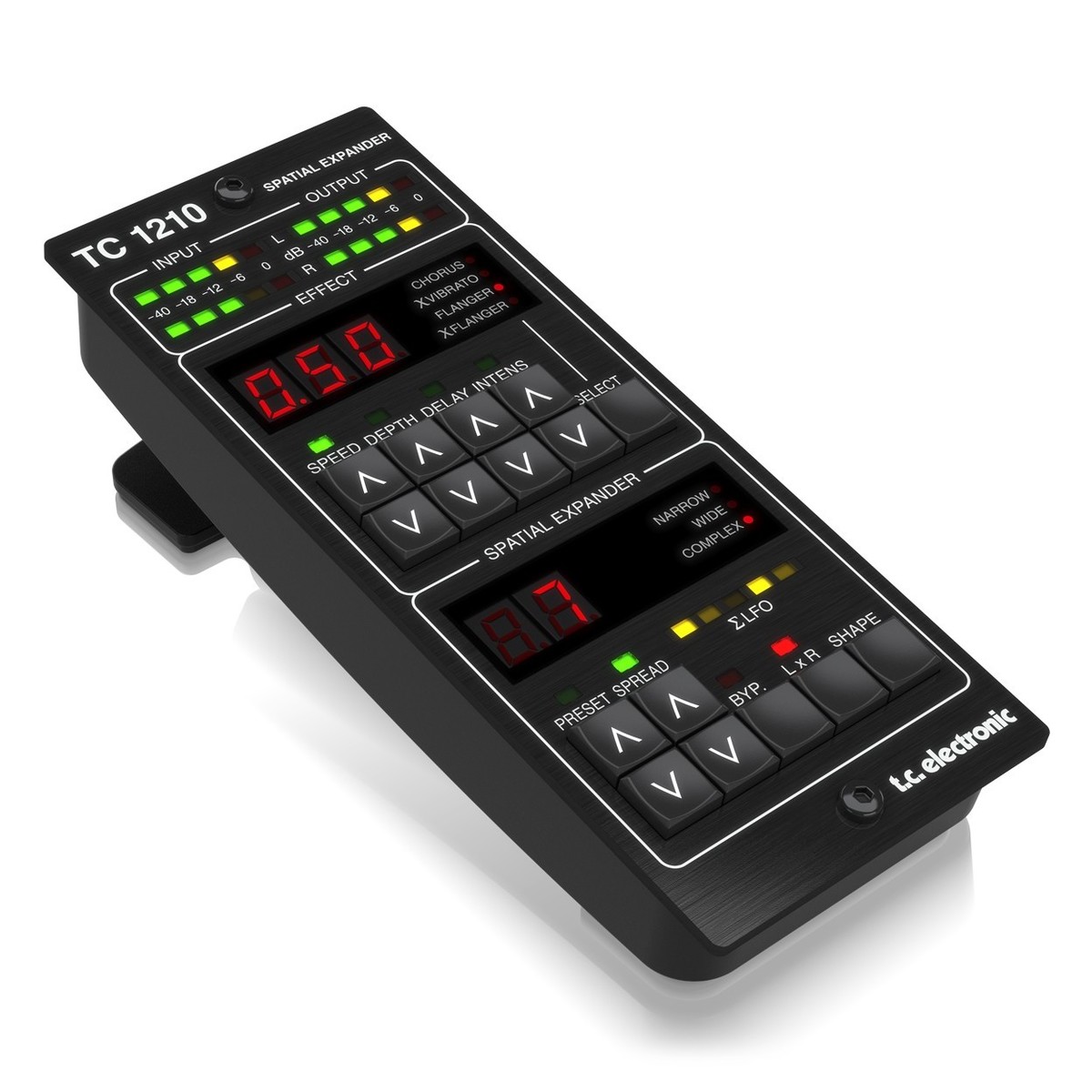
TC Electronic TC1210-DT Spatial Expander Plug-in with Controller
 £74.00 ($94)
Garritan
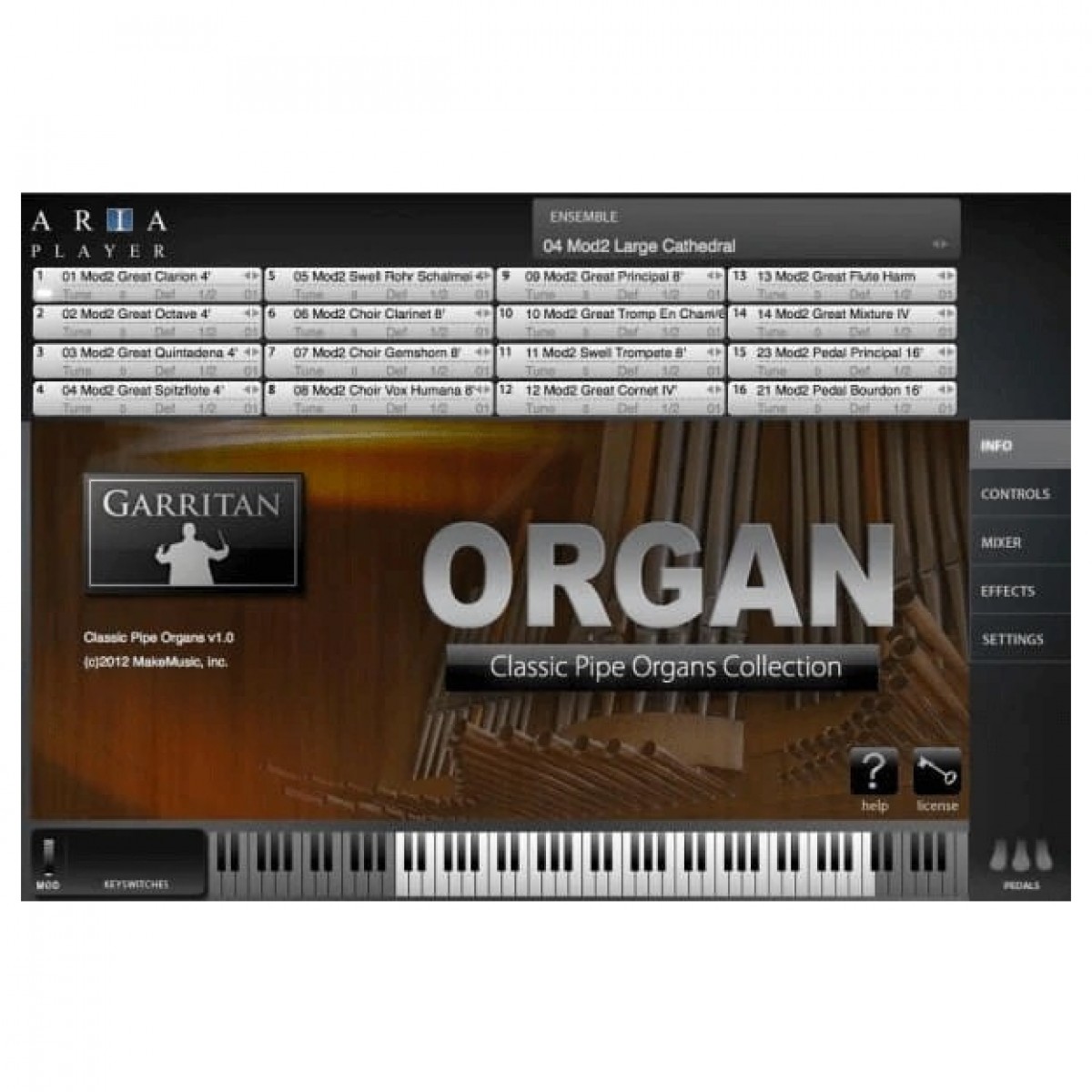
Garritan Classic Pipe Organs Plug-In
 £79.58 ($101)
Hitnmix
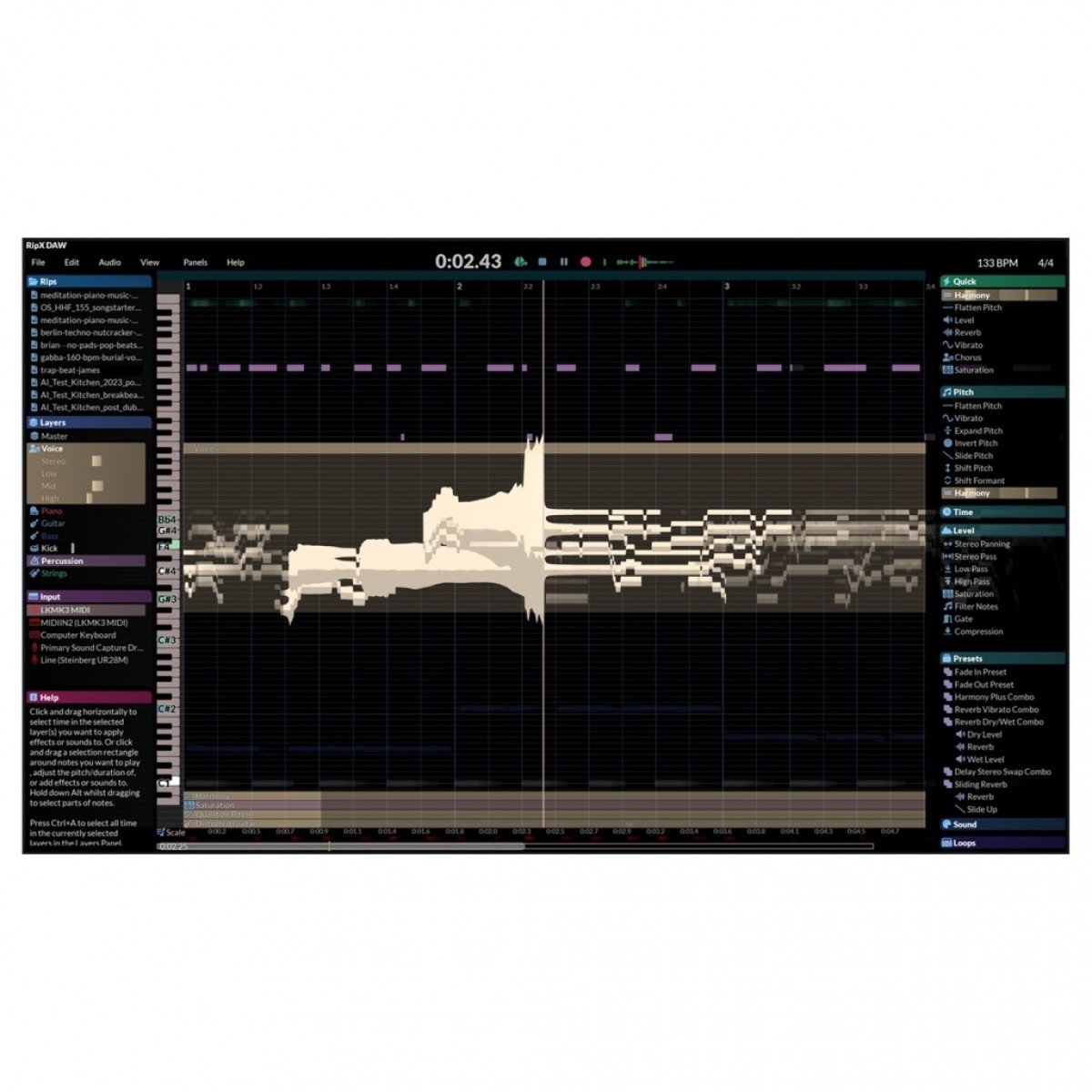
RipX DAW
 £149.95 ($190)
Rhodes
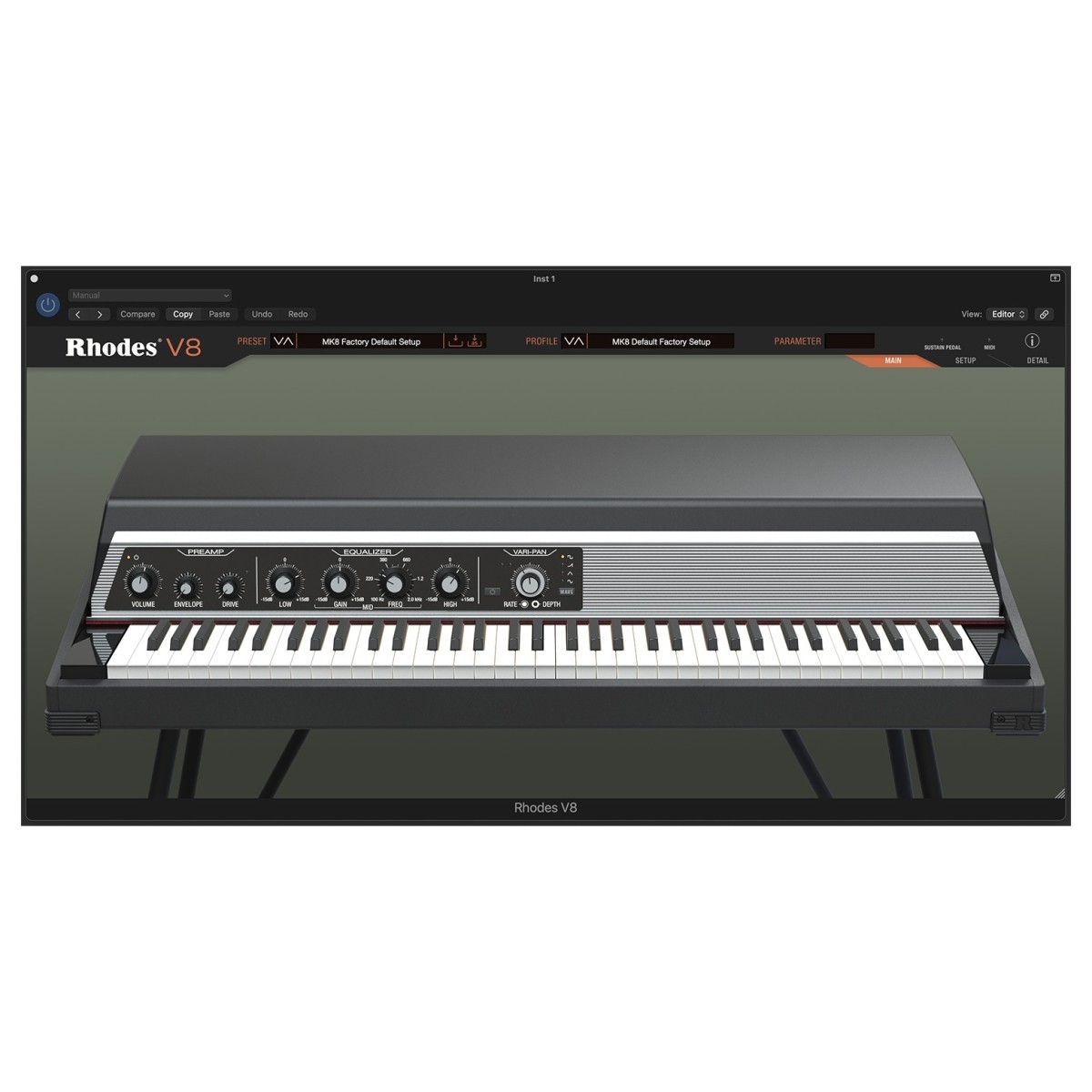
Rhodes V8 Plugin
Frequently asked questions
- What is the primary function of the iCON P1 Nano?
- The P1 Nano is a USB MIDI controller designed to provide tactile control over DAW functions. It allows users to manipulate software faders, knobs, and transport controls using physical hardware.
- Which DAWs are compatible with the P1 Nano?
- It integrates seamlessly with major digital audio workstations including Cubase, Logic Pro X, and Ableton Live. It is designed for multi-DAW compatibility, allowing users to switch between environments efficiently.
- Does the P1 Nano have a motorised fader?
- Yes, the unit features a touch-sensitive motorised fader. This allows the fader to move automatically to match the software's automation levels during playback.
- How many encoder knobs are included on the device?
- The P1 Nano features eight dual-function encoder knobs. these are used for adjusting parameters like panning, EQ, or plugin settings.
- What is the benefit of the customisable touchscreen?
- The touchscreen allows for personalised workflow optimisation. Users can configure it to show specific commands or shortcuts that best fit their individual production style.
- Is the P1 Nano suitable for mastering?
- Yes, its precise motorised fader and dual-function encoders are ideal for the fine adjustments required in mixing and mastering tasks. It provides more accuracy than a standard computer mouse.
- How does it connect to a computer?
- The device connects via a standard USB interface. It functions as a MIDI controller, sending and receiving data to and from the host computer.
- What is the typical price for the iCON P1 Nano?
- The P1 Nano typically retails for approximately £234. Prices may vary slightly depending on the retailer and current promotions.
- How does the P1 Nano differ from the iCON P1-M?
- The P1 Nano is a more compact, single-fader version of the P1-M. It is designed for users with limited desk space or those who only need to control one channel at a time.
- Can the P1 Nano control third-party plugins?
- Yes, the eight encoder knobs and customisable touchscreen can be mapped to control parameters within various plugins. This includes tools like the Rhodes V8 or TC Electronic TC1210-DT.
- Is the fader touch-sensitive?
- Yes, the motorised fader is touch-sensitive. This ensures that as soon as the user touches the fader, the software automation is overridden or engaged, depending on the DAW settings.
- What kind of users would benefit most from the P1 Nano?
- It is best suited for musicians, producers, and audio engineers seeking a compact yet professional tactile interface. It is particularly useful for those working in small studios or mobile environments.