Gear article
PreSonus FaderPort 16
The PreSonus FaderPort 16 is a high-definition MIDI control surface designed to provide tactile, hands-on control over Digital Audio Workstations (DAWs). Featuring 16 touch-sensitive motorised faders and dedicated transport controls, it bridges the gap between software-based mixing and the ergonomic experience of a traditional large-format console.
See live pricesOverview
The PreSonus FaderPort 16 is a production controller designed for musicians, producers, and engineers who require more than a standard mouse-and-keyboard interface. By providing 16 full-sized motorised faders, the device allows for simultaneous control over multiple track levels and automation parameters. It is intended to increase efficiency in the mixing stage, particularly for complex projects with high track counts.
Key Features and Layout
The hardware is defined by its 16 100mm touch-sensitive motorised faders. Each channel is equipped with a high-definition scribble strip that displays essential information such as track names, levels, and automation modes. The interface also includes a complete transport section for play, stop, record, and looping.
A central feature is the Session Navigator, a multipurpose control area that allows users to scroll through tracks, manage panning, and adjust timeline zoom without reaching for a mouse. This section is designed to keep the user's focus on the control surface rather than the computer screen.
Compatibility and Integration
The FaderPort 16 is compatible with both macOS and Windows operating systems. It supports the industry-standard Mackie Control Universal (MCU) and HUI protocols, ensuring it can be integrated with a wide variety of popular DAWs. While it offers native integration with PreSonus Studio One, these universal protocols allow it to work with other major software environments for seamless automation and mixing control.
Comparison to Alternatives
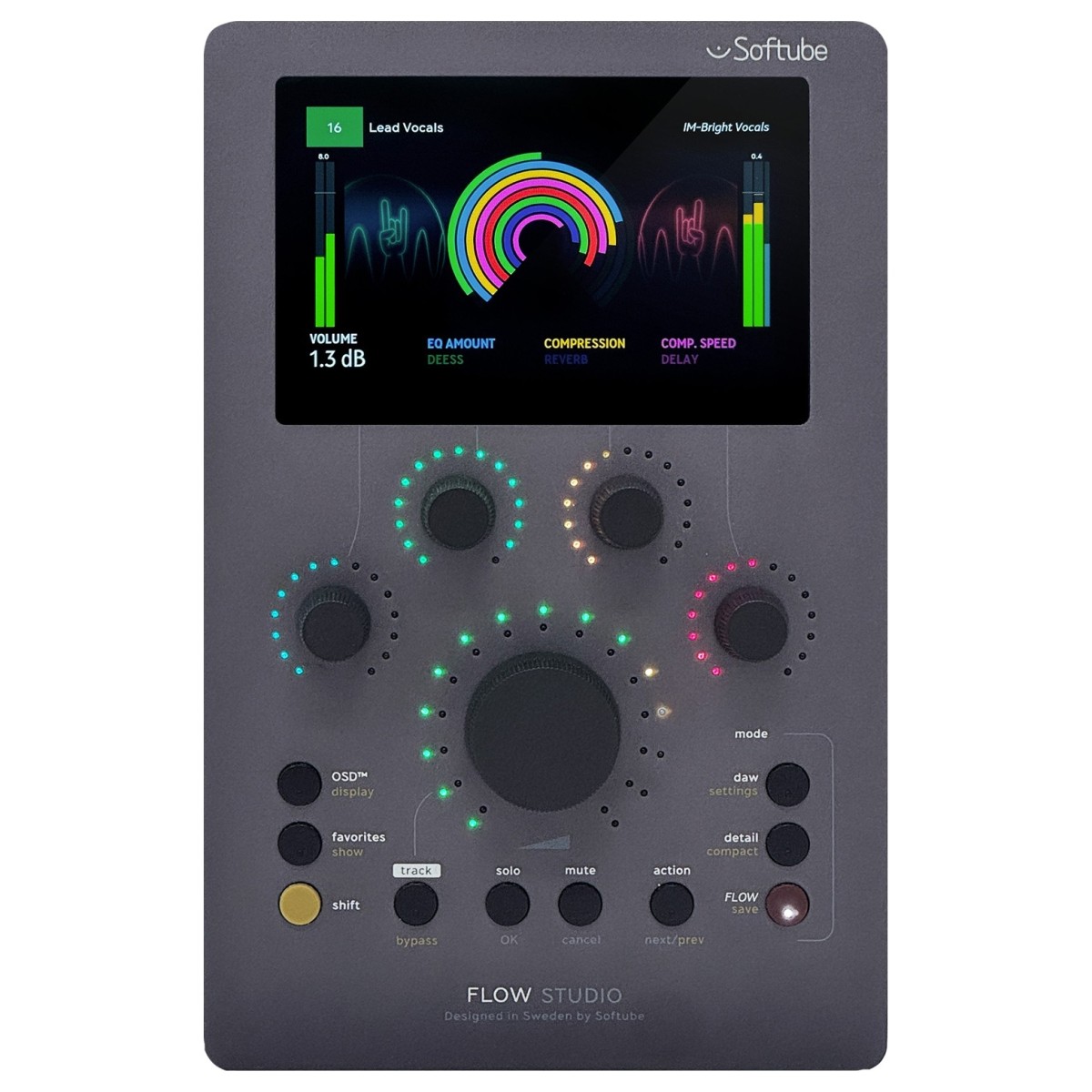
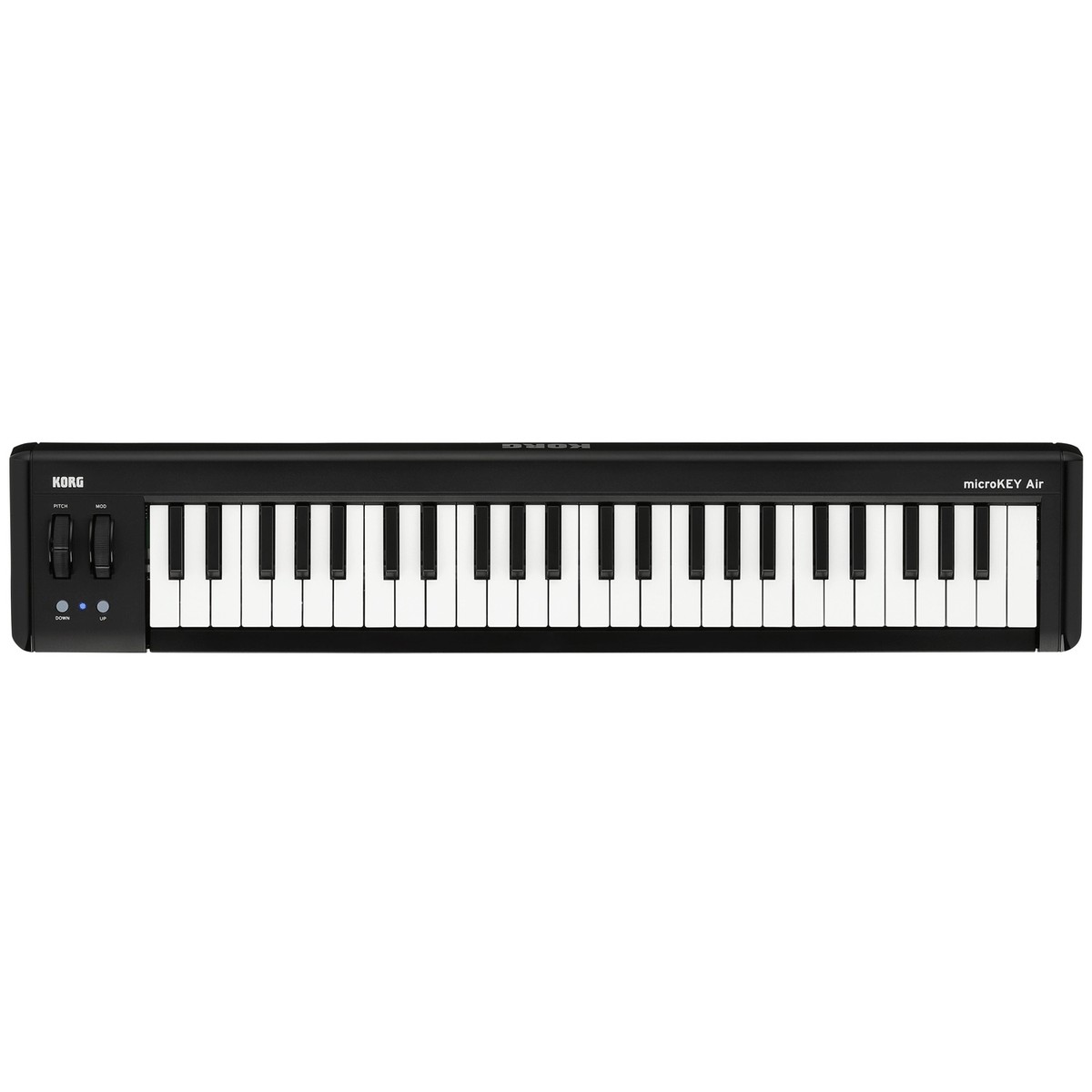
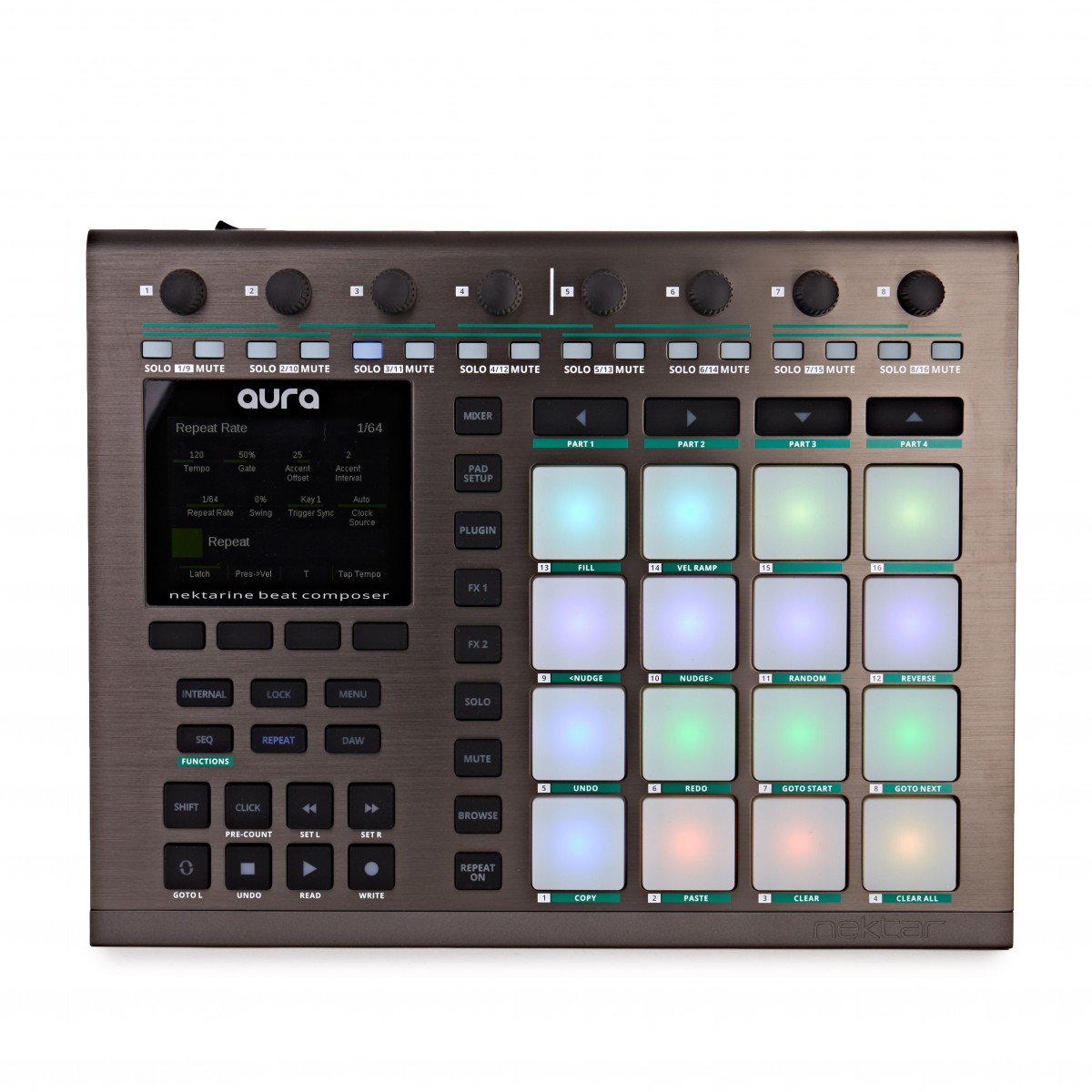
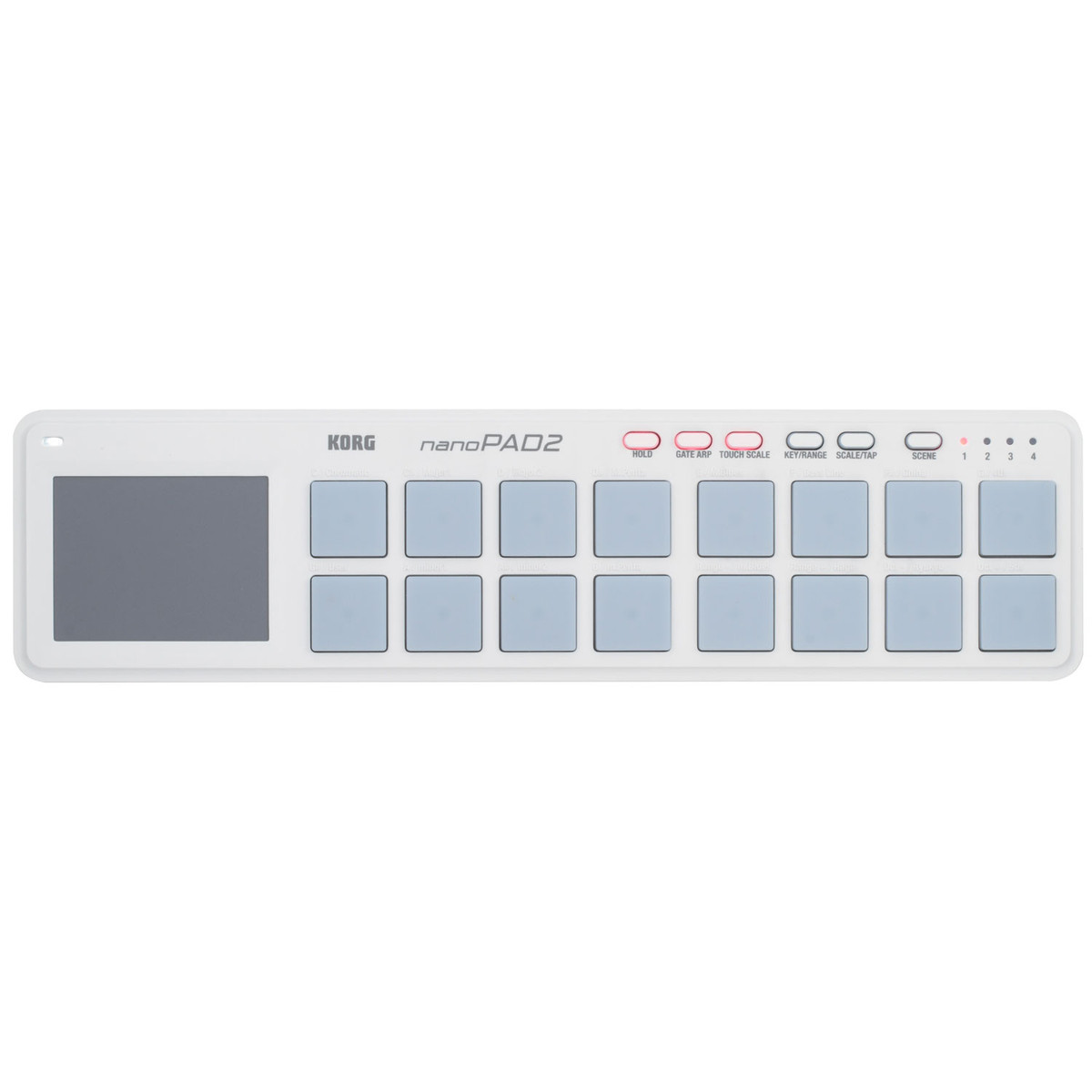
Compared to smaller desktop controllers like the Korg nanoPAD2 or the Nektar Aura, the FaderPort 16 is a dedicated mixing tool rather than a performance or beat-making controller. While products like the Softube Flow Studio or Expressive E Osmose focus on specific synthesis or effects workflows, the FaderPort 16 provides a broad utilitarian layout suited for managing large mix sessions. Its 16-fader count distinguishes it from the smaller FaderPort 8, offering double the simultaneous control within a single chassis.
Related gear
 £76.00 ($97)
M-Audio
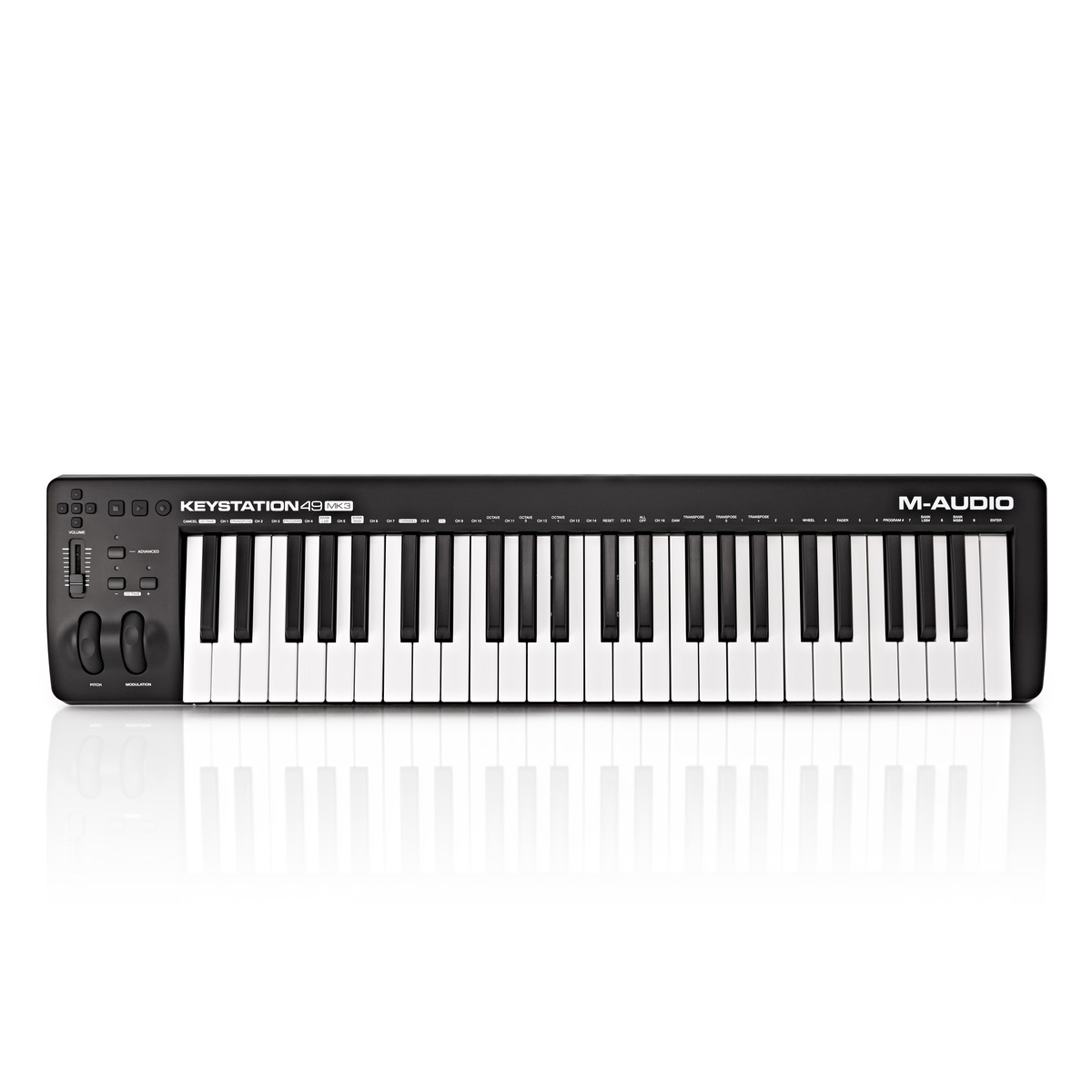
M-Audio Keystation 49 MKIII USB MIDI Keyboard
 £55.00 ($70)
Korg
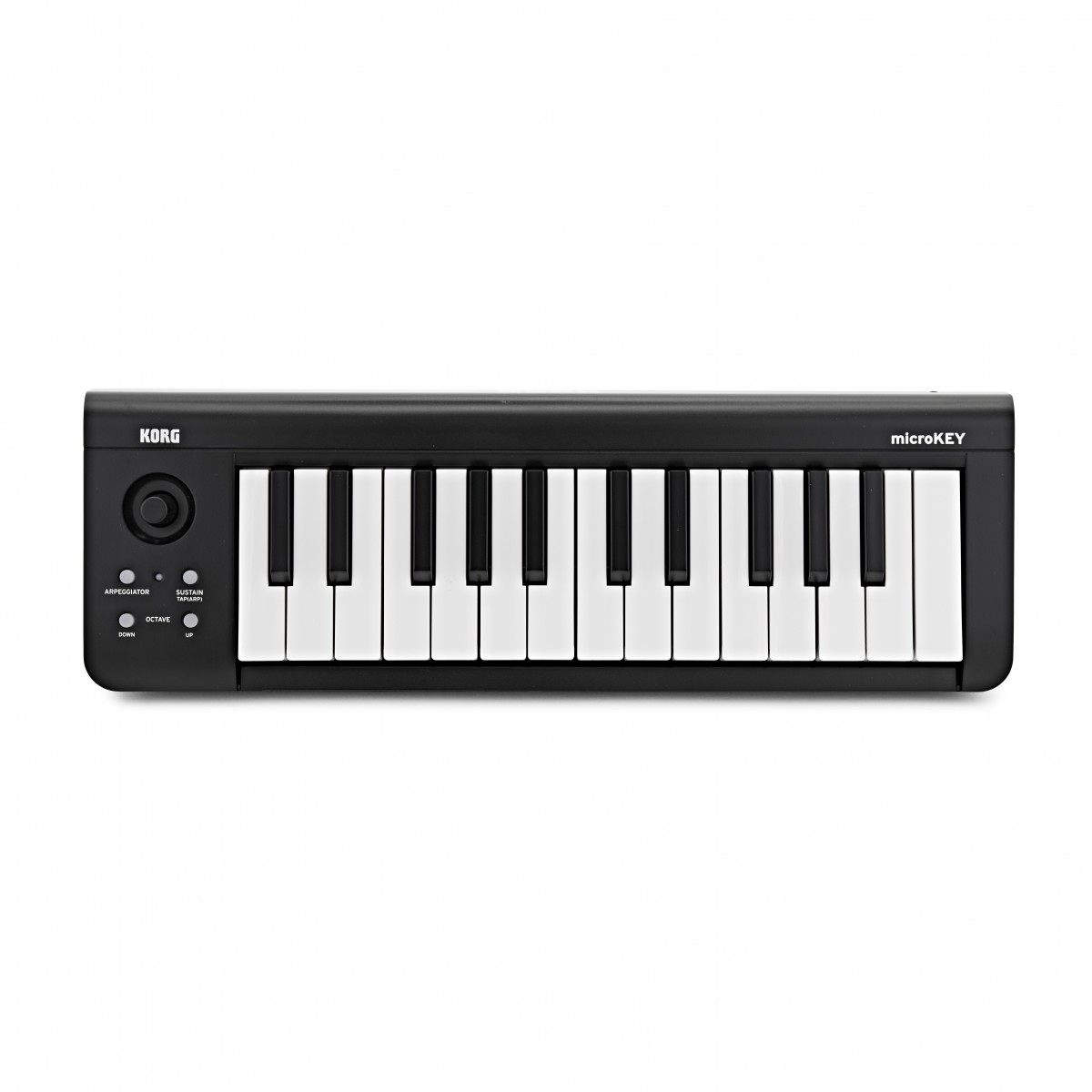
Korg microKEY 25 Key USB MIDI Keyboard
 £1,019.00 ($1,294)
Expressive E
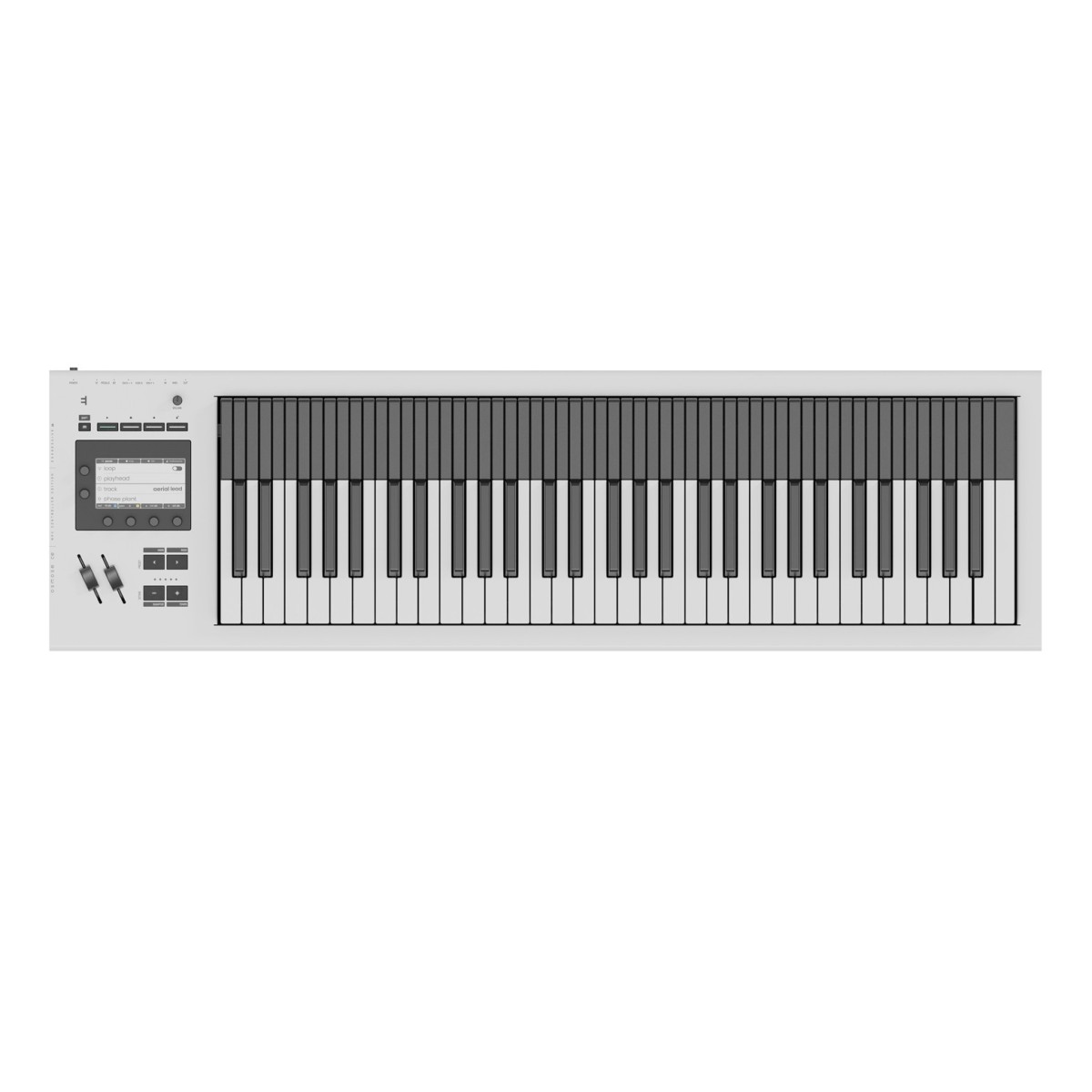
Expressive E Osmose CE 61-Note MIDI Controller Keyboard
 £339.00 ($431)
Softube
Softube Flow Studio Control Surface
 £138.25 ($176)
Korg
Korg microKEY-2 AIR 49-Key Bluetooth MIDI Keyboard
 £290.50 ($369)
Nektar Technologies
Nektar Aura Beat Composer Pad Controller
 £44.00 ($56)
Korg
Korg nanoPAD2 USB MIDI Controller White
 £46.70 ($59)
Korg
Korg nanoPAD2 USB MIDI Controller Black
Frequently asked questions
- What is the primary function of the FaderPort 16?
- It is a MIDI control surface used to provide physical control over DAW functions such as volume, panning, and transport. It allows for tactile mixing using motorised faders rather than a computer mouse.
- Are the faders touch-sensitive?
- Yes, the FaderPort 16 features 16 touch-sensitive motorised faders. This allows the DAW to recognise when a finger touches the fader, which is essential for writing precise automation.
- What information is shown on the scribble strips?
- The high-definition digital scribble strips provide visual feedback for track names, levels, and automation modes. This helps the user stay organised without constantly looking at the computer monitor.
- Does the FaderPort 16 support Windows and macOS?
- Yes, the device is fully compatible with both macOS and Windows operating systems. It connects via a standard USB cable to interface with the host computer.
- Which communication protocols does the device use?
- It supports Mackie Control Universal (MCU) and HUI protocols. These are the industry standards for ensuring hardware controllers can communicate with different DAWs.
- What is the Session Navigator?
- The Session Navigator is a dedicated section on the hardware that provides quick access to functions like track scrolling, banking, and zooming. It is designed to speed up navigation within a complex session.
- Can I use the FaderPort 16 to control transport functions?
- Yes, it includes a complete transport section. This includes dedicated buttons for play, stop, record, and looping.
- Is the FaderPort 16 only for PreSonus Studio One software?
- While it offers seamless integration with Studio One, it is a universal controller. Because it supports MCU and HUI, it works with most major DAWs.
- Does it require an external power supply?
- Yes, because of the 16 motorised faders, the FaderPort 16 requires more power than a standard USB port provides. It typically comes with its own external power adapter.
- How many tracks can I control at once?
- The hardware has 16 physical faders, allowing you to control 16 tracks simultaneously. You can bank through additional tracks using the navigation controls to manage sessions of any size.
- Can the FaderPort 16 be used for automation?
- Yes, its motorised faders are specifically designed for recording and editing volume automation. The touch-sensitivity ensures the fader follows the DAW's data until you manually override it.
- How does the FaderPort 16 compare to a standard MIDI keyboard?
- Unlike keyboards like the M-Audio Keystation or Korg microKEY, which are for playing notes, the FaderPort 16 is a control surface. It is designed for mixing and session management rather than melodic performance.