
Gear article
Hitnmix RipX DAW
Hitnmix RipX DAW is an innovative audio editing and production system that treats audio and MIDI as a single entity. It allows users to deconstruct recordings, swap instrument sounds, and manipulate audio elements with the flexibility typically reserved for MIDI data.
See live pricesOverview
Hitnmix RipX DAW represents a departure from traditional digital audio workstation design by blurring the line between audio waveforms and MIDI notation. The software is built around the concept of 'ripping' audio, where sound sources—ranging from live microphone inputs and physical instruments to VST synthesizers and existing samples—are converted into a format that can be edited note-by-note. The manufacturer describes the workflow as a 'what you see is what you hear' environment, intended to eliminate the technical friction between audio recording and MIDI programming.
Operational Workflow
The system operates by deconstructing audio into its constituent parts. Once a sound is inside RipX DAW, it ceases to be a static waveform and becomes a dynamic element that can be manipulated creatively. Users can take existing recordings and swap one sound for another; for instance, a recorded vocal line can be transformed into a guitar riff. The software also supports the use of VST instruments, allowing users to 'RIP' virtual instruments into the environment for further processing. Modulation can be adjusted manually after recording or via MIDI in real-time to ensure expressive performance output.
Key Features and Panels
The interface is structured around three primary panels designed to facilitate different stages of production. The 'Sound' panel is particularly notable for its ability to reperform samples and replace instruments within a mix. The workflow emphasizes dynamic and creative audio effects that can be applied directly to the separated components of a track. This level of granular control allows for experiments that would be difficult in a traditional linear DAW, such as changing the timbre of a specific note within a polyphonic recording.
Target Audience and Applications
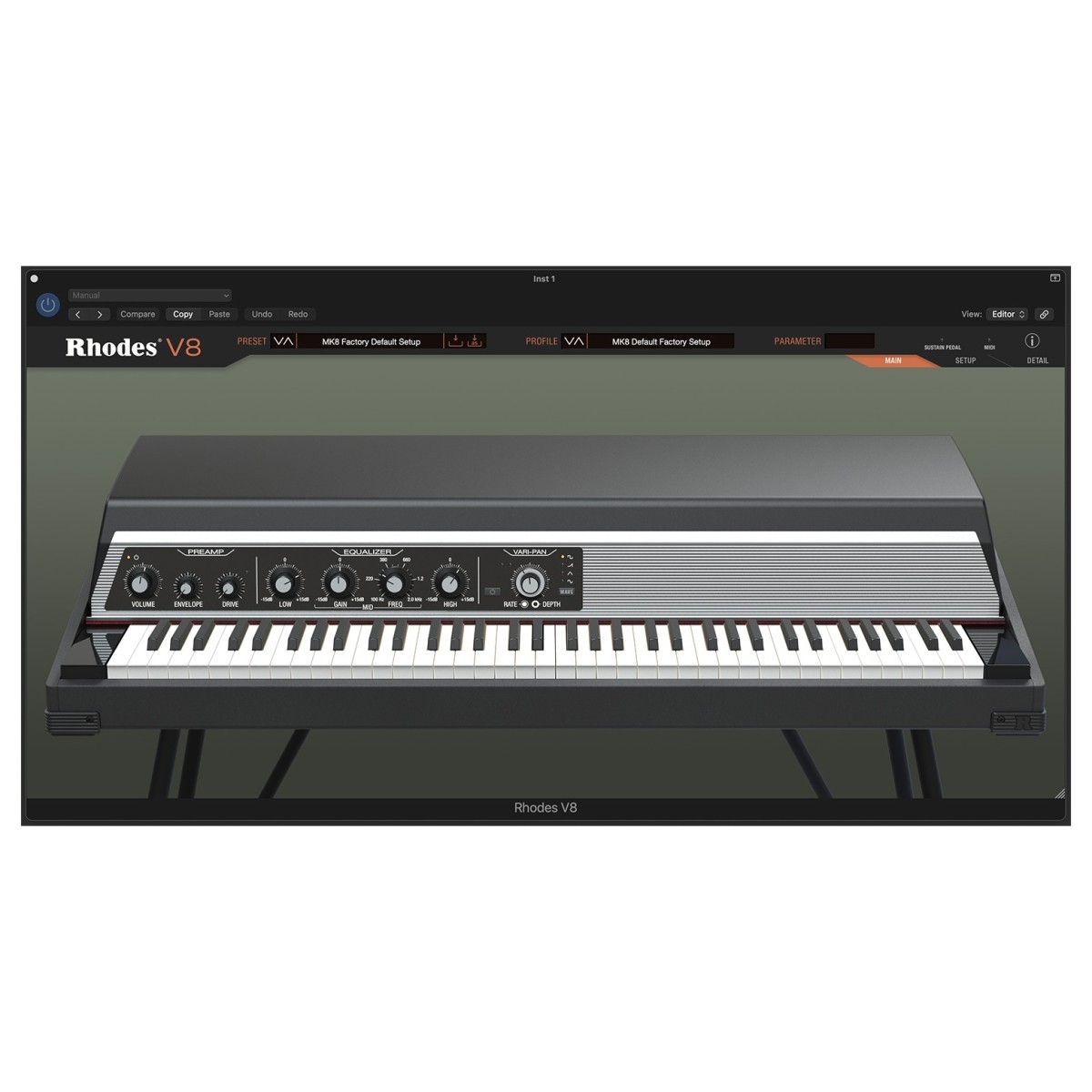
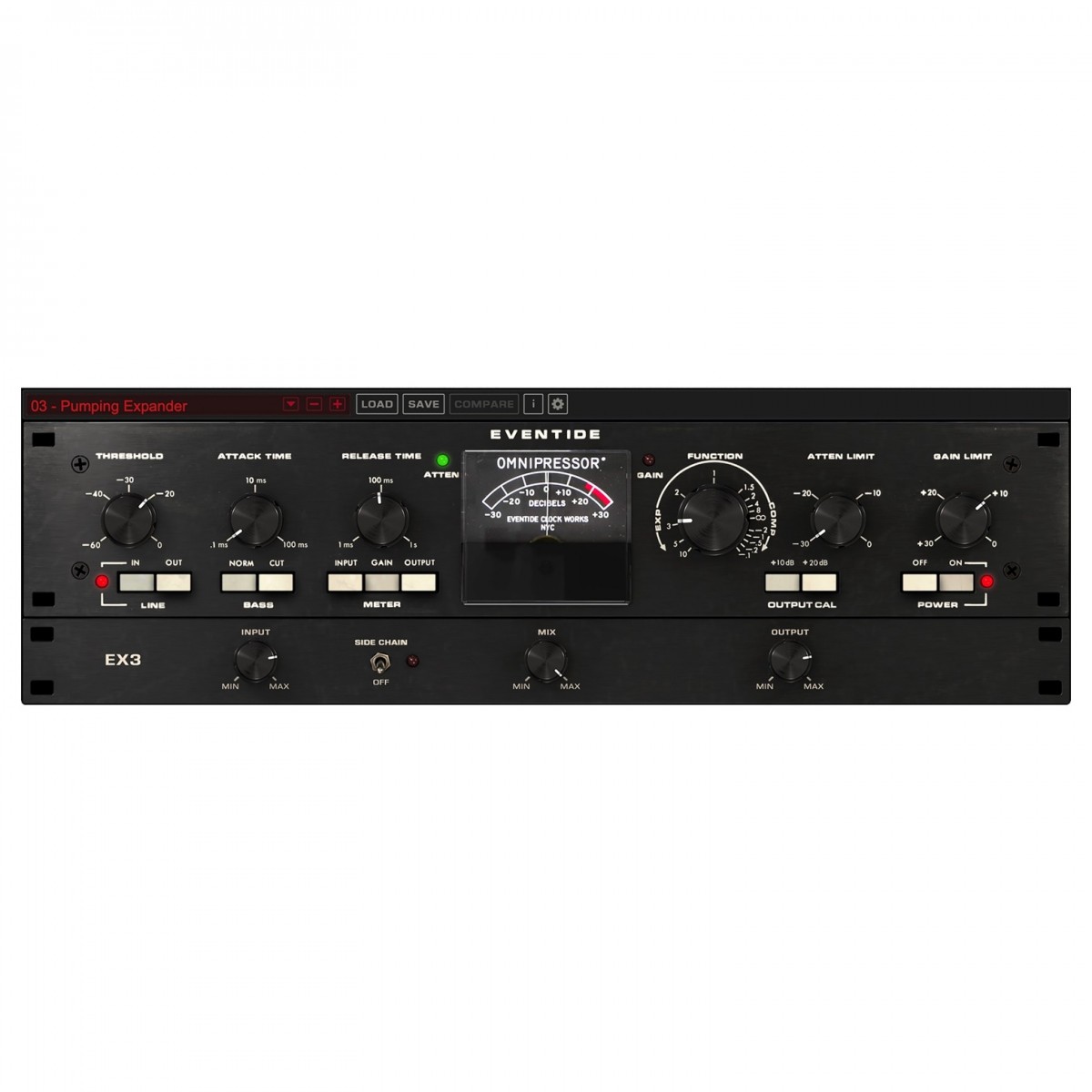
RipX DAW is suited for producers, remixers, and sound designers who require deep access to the internal components of audio files. Because it treats audio like MIDI, it is an ideal tool for musicians who want to 'fix' performances without re-recording or for creators looking to generate unique ideas from existing sample libraries. While it functions as a stand-alone production environment, its specialized focus on audio manipulation makes it a powerful companion to traditional setups featuring hardware like the ICON P1-M or software like the Rhodes V8 and Eventide Omnipressor.
Comparison to Traditional DAWs
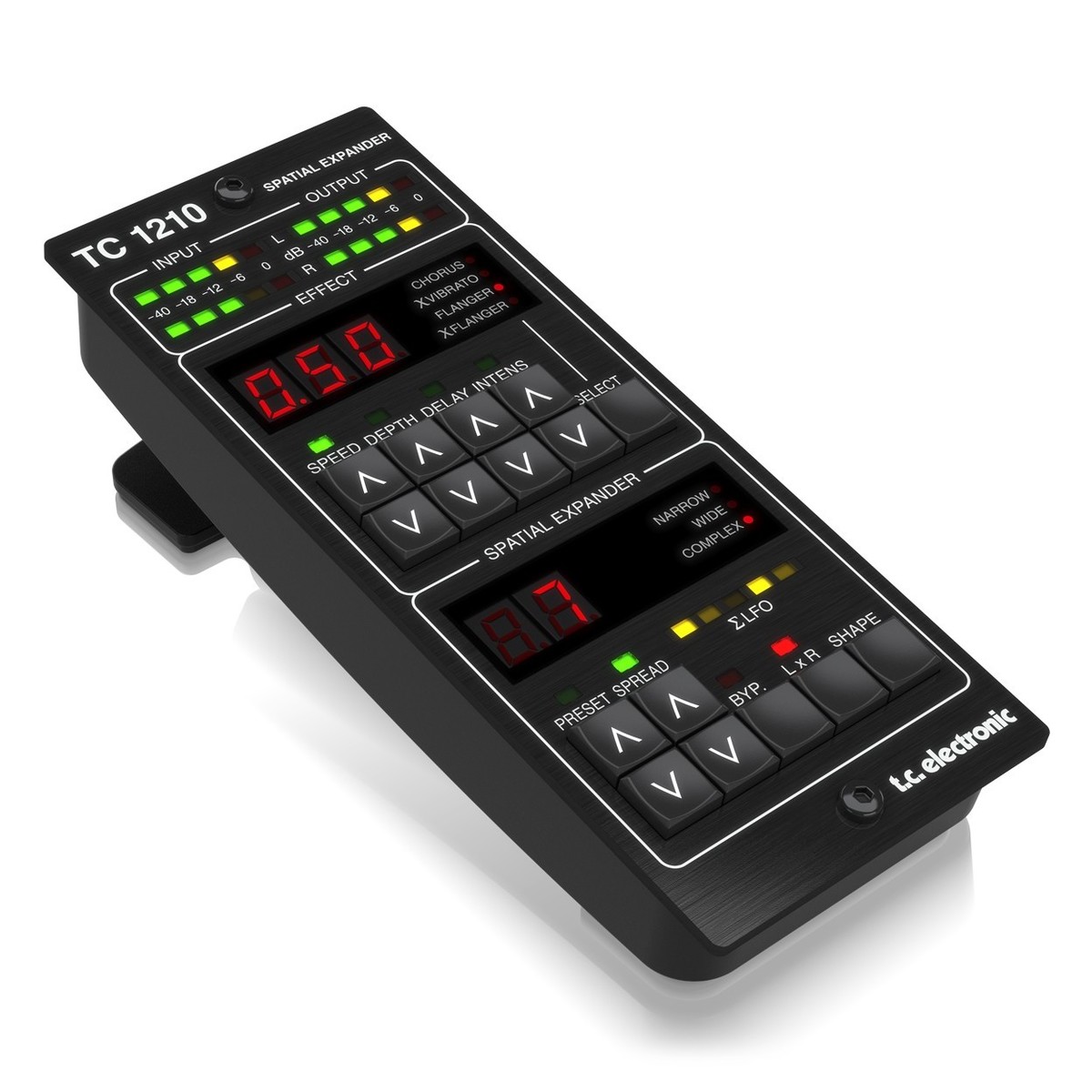
Unlike standard DAWs that keep audio and MIDI tracks separate, RipX DAW merges them into a unified format. While a typical DAW might require external plugins like LANDR for vocal processing or TC Electronic spatial expanders for depth, RipX focuses on the fundamental architecture of the sound itself. It provides a more integrated approach to stem separation and note-level editing than most entry-level or mid-range workstations available in its price bracket.
Related gear
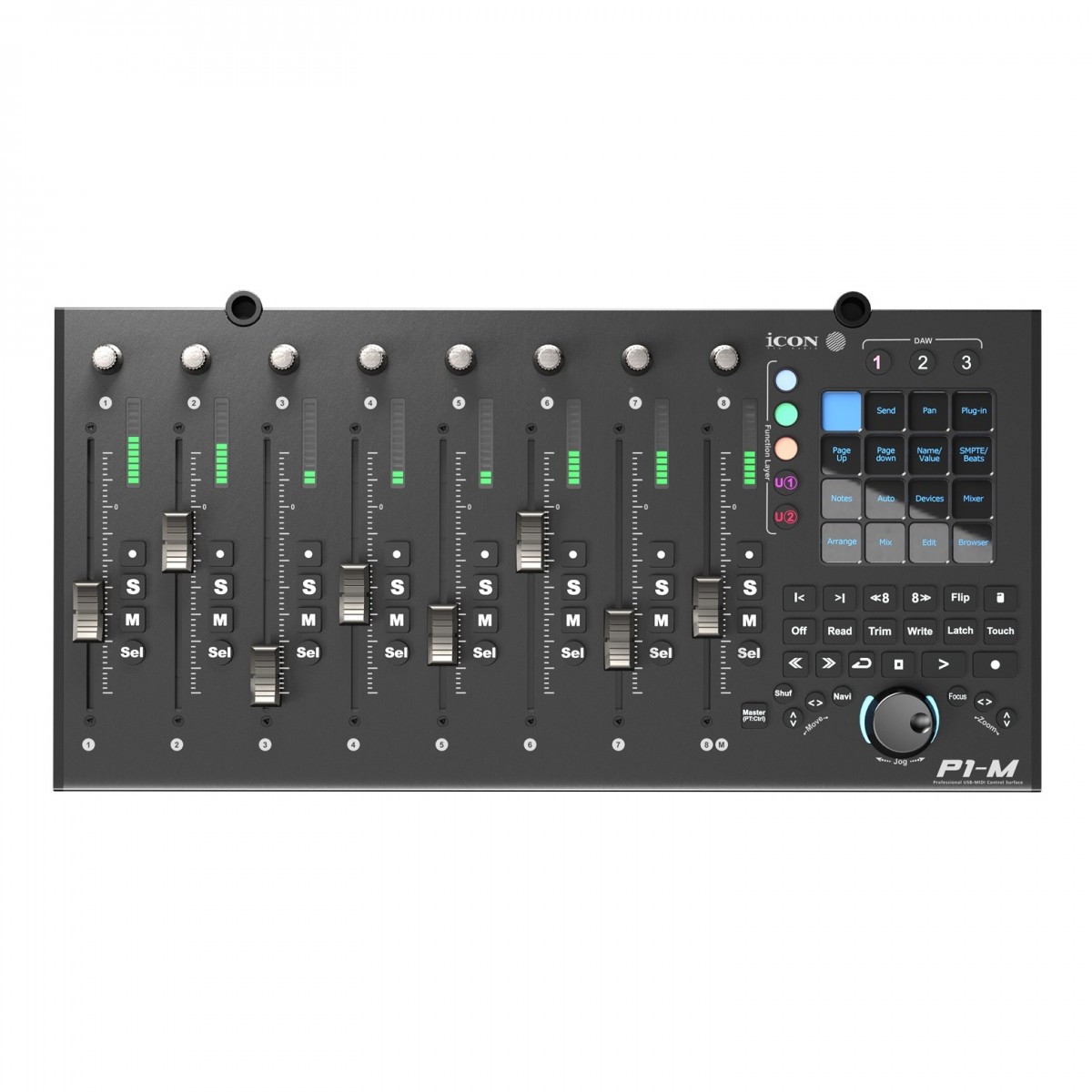 £485.00 ($616)
ICON
iCon P1-M USB MIDI DAW Controller
 £65.00 ($83)
Eastwest
EastWest The Dark Side Plugin
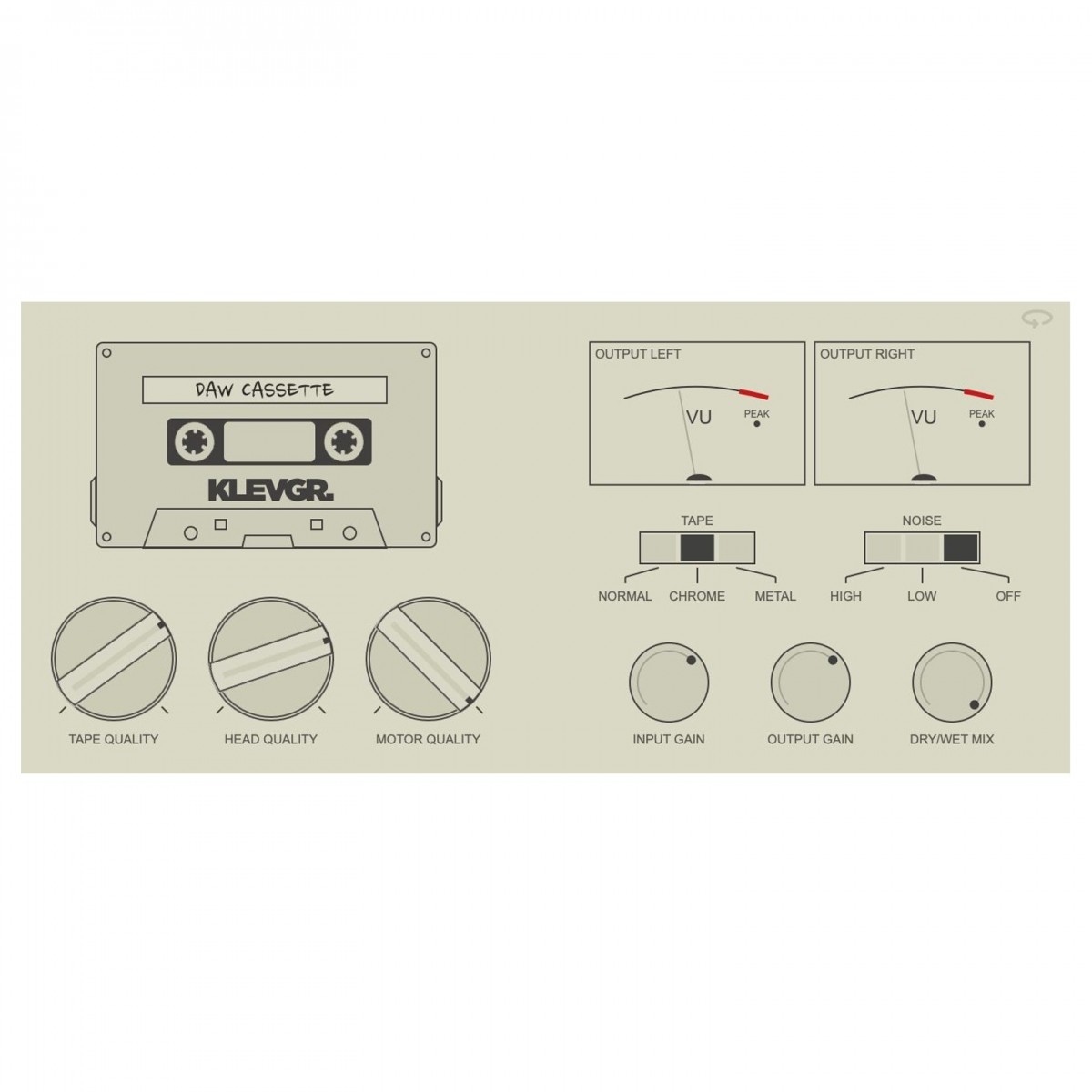 £54.99 ($70)
Klevgrand
Klevgrand DAW Cassette - Tape Deck Emulation
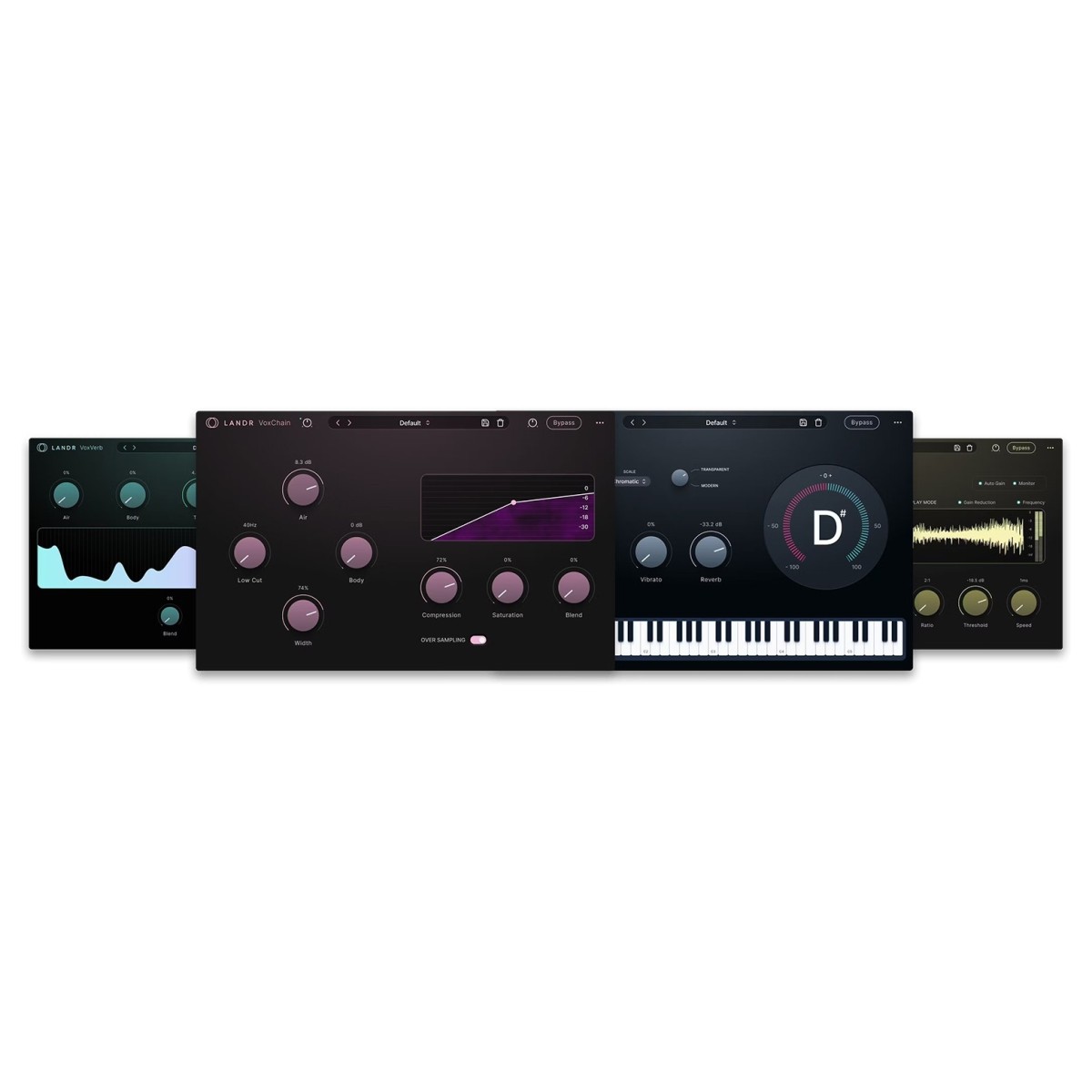 £189.00 ($240)
LANDR
LANDR Vocal Plugin Bundle
 £73.00 ($93)
TC Electronic
TC Electronic TC1210-DT Spatial Expander Plug-in with Controller
 £74.00 ($94)
Garritan
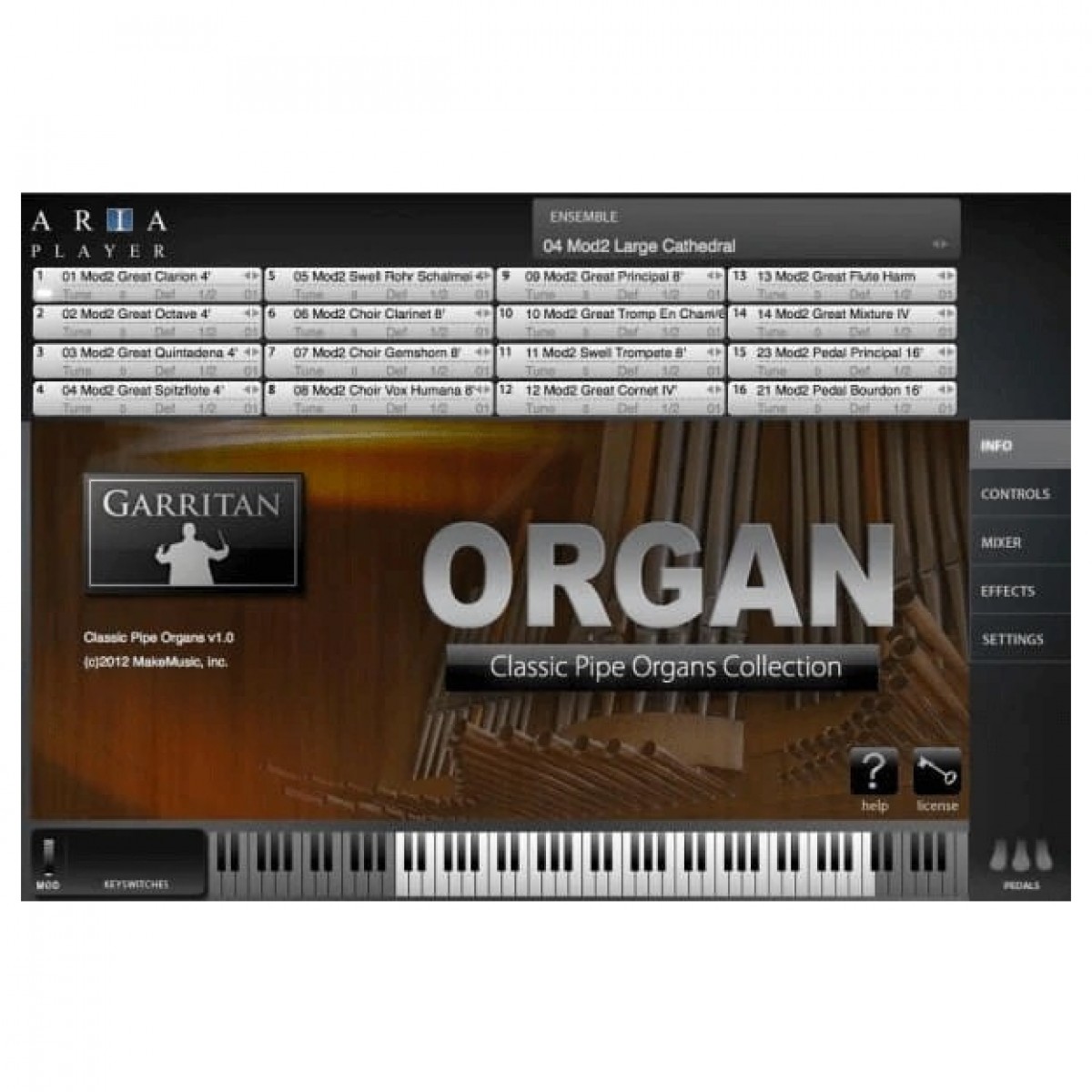
Garritan Classic Pipe Organs Plug-In
 £149.95 ($190)
Rhodes
Rhodes V8 Plugin
 £39.99 ($51)
Eventide
Eventide Omnipressor Compressor Plugin
Frequently asked questions
- What is Hitnmix RipX DAW?
- It is an audio production system that allows you to treat audio and MIDI as one, enabling note-level editing of recorded sound.
- How does RipX DAW handle different sound sources?
- It can process instruments, microphones, VST synth presets, and audio samples by 'ripping' them into an editable format.
- Can I replace one instrument with another in a recording?
- Yes, one of the software's key features is the ability to swap sounds, such as changing a vocal line into a guitar riff.
- Does RipX DAW support VST instruments?
- Yes, you can use sounds from your existing recordings or RIP VST instruments directly into the software environment.
- How are effects controlled in RipX DAW?
- Effects can be controlled using MIDI in real-time during recording or modified manually afterwards for expressive results.
- What is the purpose of the Sound panel?
- The Sound panel is used for reperforming samples and replacing instruments within your audio projects.
- What is the typical price for RipX DAW?
- The software is typically priced around £80.00, making it an accessible option for home and professional studios.
- Is RipX DAW a traditional digital audio workstation?
- While it functions as a DAW, it differs from traditional versions by unifying audio and MIDI into a single, editable format.
- Can I use external MIDI controllers with this software?
- Yes, the software supports real-time MIDI control for managing effects and modulation during the production process.
- Is the editing workflow visual?
- Yes, the manufacturer uses a 'what you see is what you hear' approach to ensure the visual interface matches the audio output.
- Can I modify modulation after a recording is finished?
- Yes, RipX DAW allows you to modify modulation with your hands after recording to achieve a more expressive output.
- Can RipX DAW be used for remixing existing songs?
- Yes, it is highly effective for remixing because it can separate and replace individual elements within an existing audio file.