
Gear article
Softube Flow Studio Control Surface
The Softube Flow Studio Control Surface is a compact MIDI mixing controller designed to provide tactile control over DAW-based production. It integrates five touch-sensitive 'Analog Feel' potentiometers with a 4.3-inch high-resolution screen to facilitate faster signal processing and mix adjustments.
See live pricesOverview
The Softube Flow Studio Control Surface is a hardware interface designed to bridge the gap between software flexibility and hardware immediacy. It is built to facilitate faster results within a Digital Audio Workstation (DAW) by providing dedicated physical controls for virtual processing. Unlike generic MIDI controllers, this unit is specifically tailored to work alongside the Flow Studio Suite, a collection of over 25 Softube plugins and 100 professionally designed signal chains.
Key Features and Hardware
The hardware is defined by its compact form factor and high-quality tactile components. It features:
- 4.3-inch Display: A high-resolution screen provides real-time visualisations, including EQ curves, compression behaviour, and signal metering.
- Potentiometers: Five touch-sensitive 'Analog Feel' potentiometers allow for detailed manipulation of macro parameters.
- Visual Feedback: Integrated RGB LEDs and dedicated buttons assist users in monitoring settings and active states during a session.
- Connectivity: Modern USB-C connectivity ensures easy integration with contemporary computer systems.
Flow Studio Suite Integration
The controller acts as the physical hub for the Flow Studio Suite. This software package includes structured processing setups for a wide range of musical elements, including vocals, guitars, and buses. The inclusion of more than 100 signal chains allows producers to load pre-configured combinations of effects that are immediately mapped to the hardware's potentiometers, streamlining the sound-shaping process without the need for manual MIDI mapping.
Workflow and Character
The design philosophy of the Flow Studio is centred on visual and tactile feedback. By displaying EQ and compression data directly on the unit, it reduces the user's reliance on their computer monitor. The 'Analog Feel' of the knobs is intended to provide a more musical response during automation or adjustments, moving away from the often sterile experience of mouse-clicking. It is best suited for producers who prioritise a fast, structured workflow and those who frequently use Softube’s ecosystem of high-end audio processors.
Comparison to Alternatives
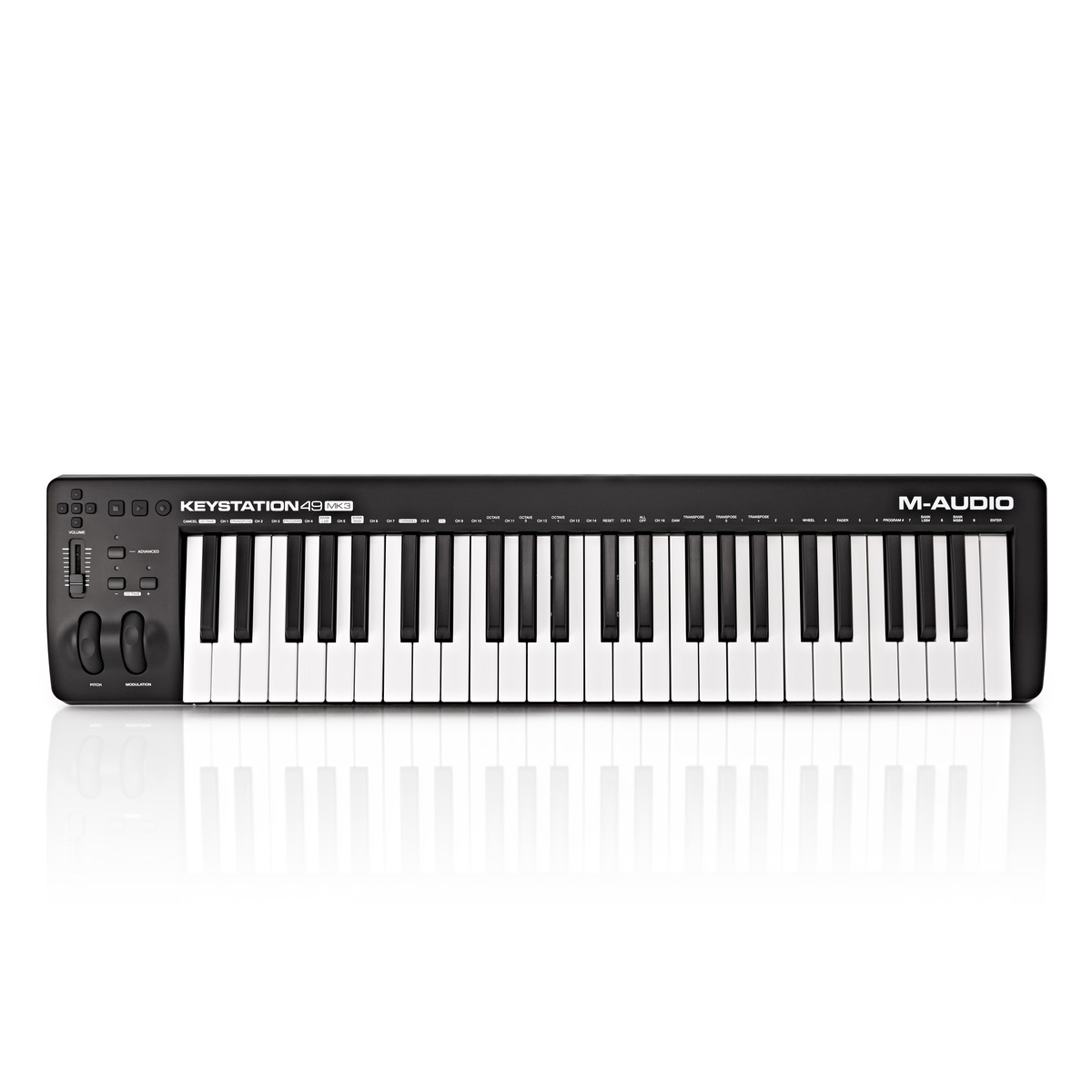
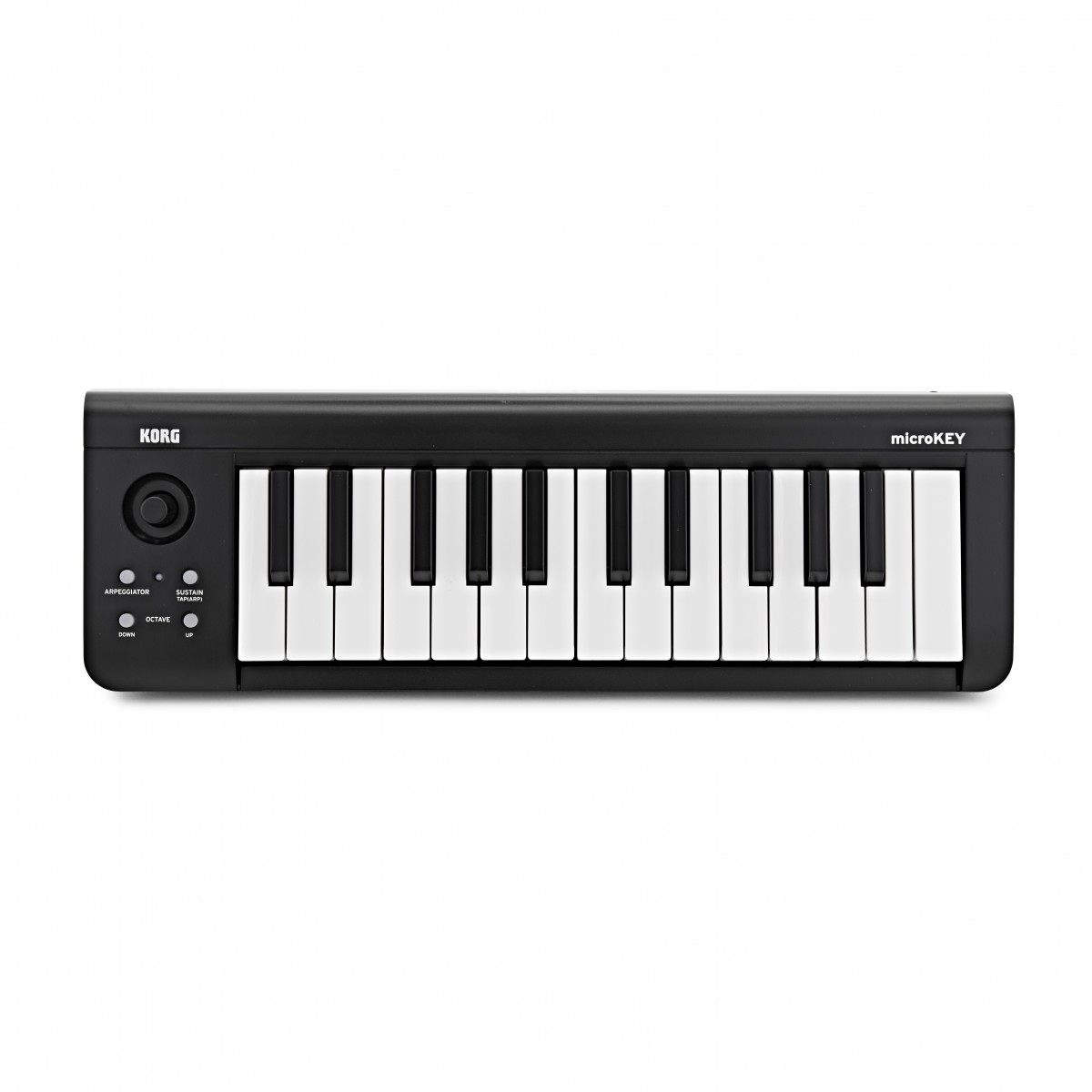
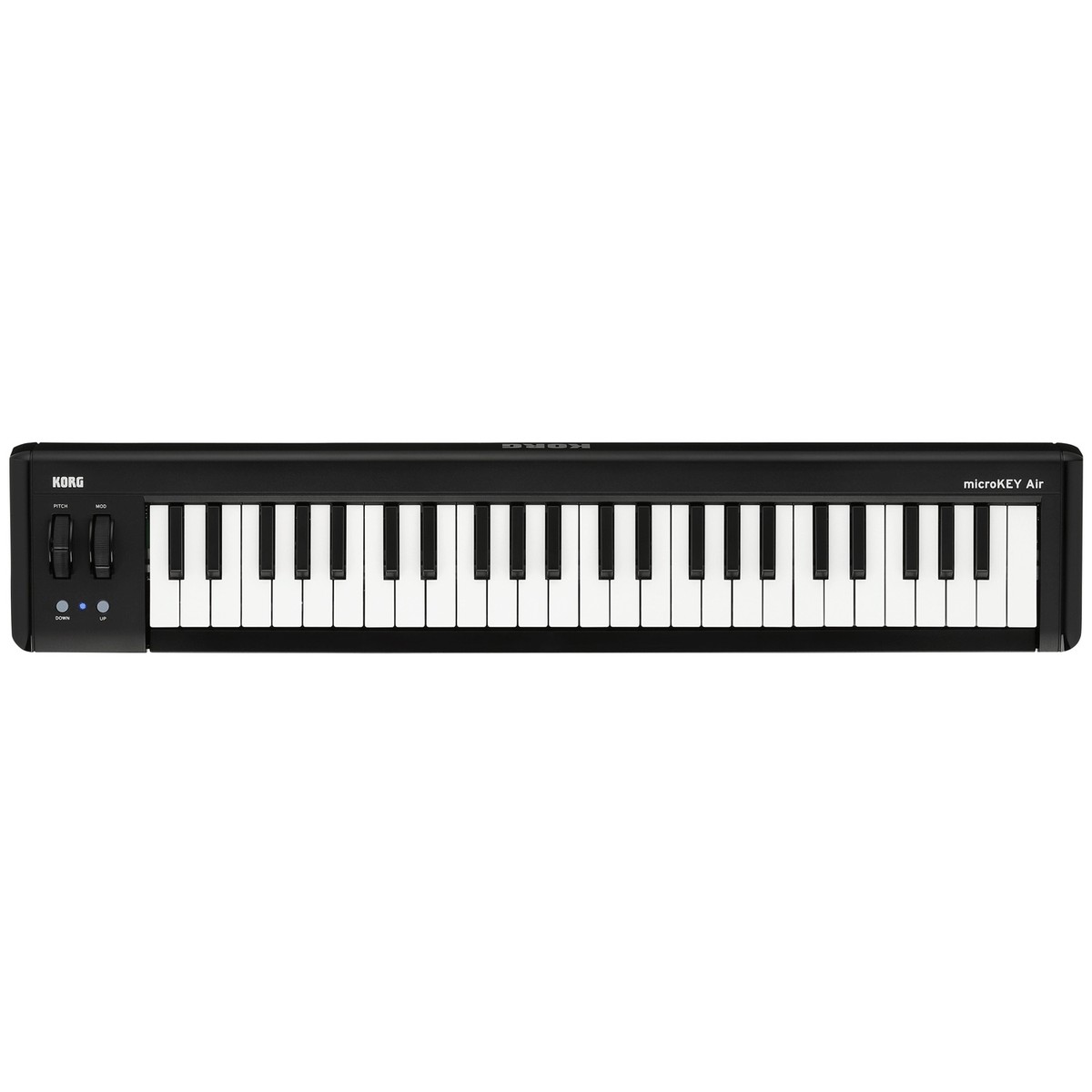
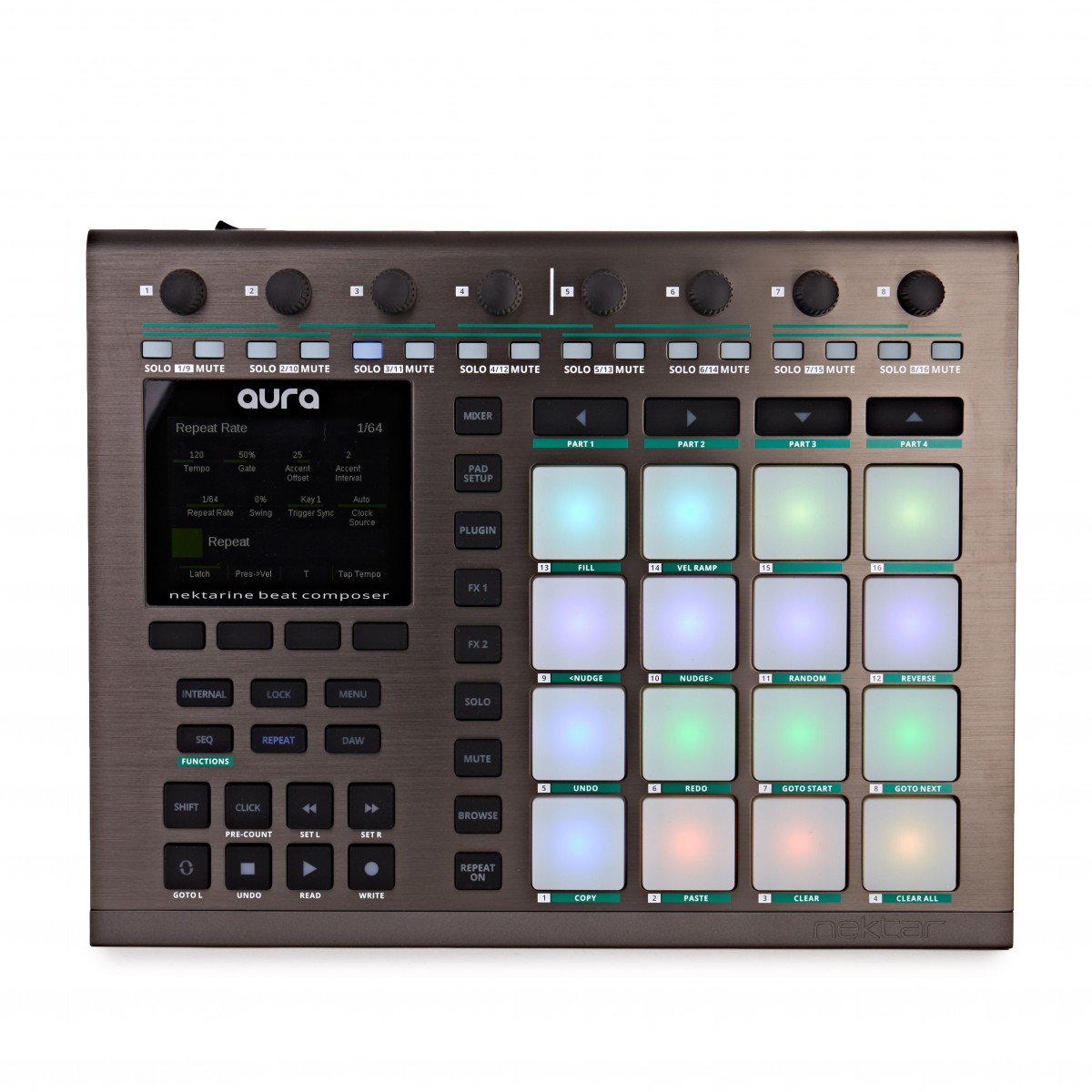
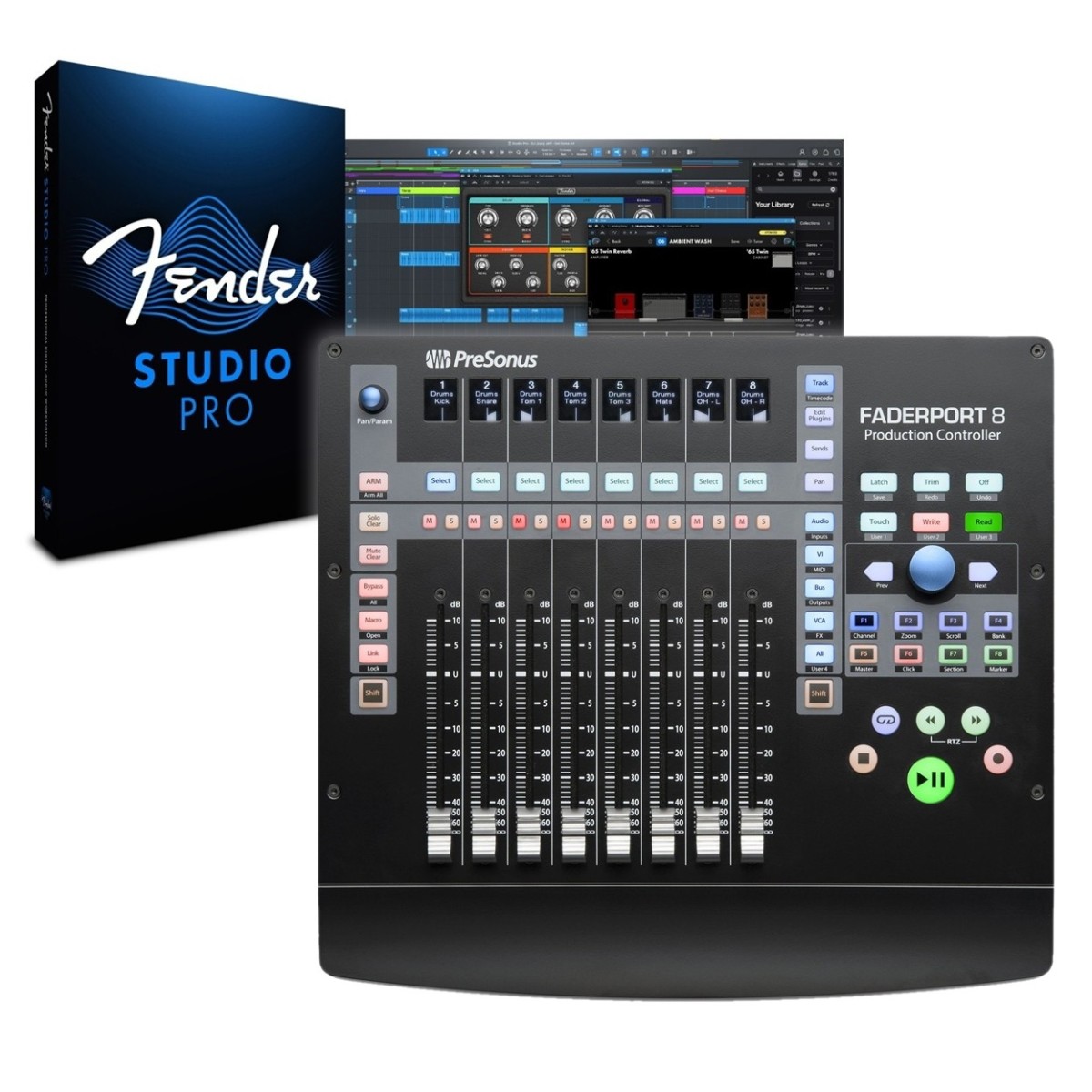
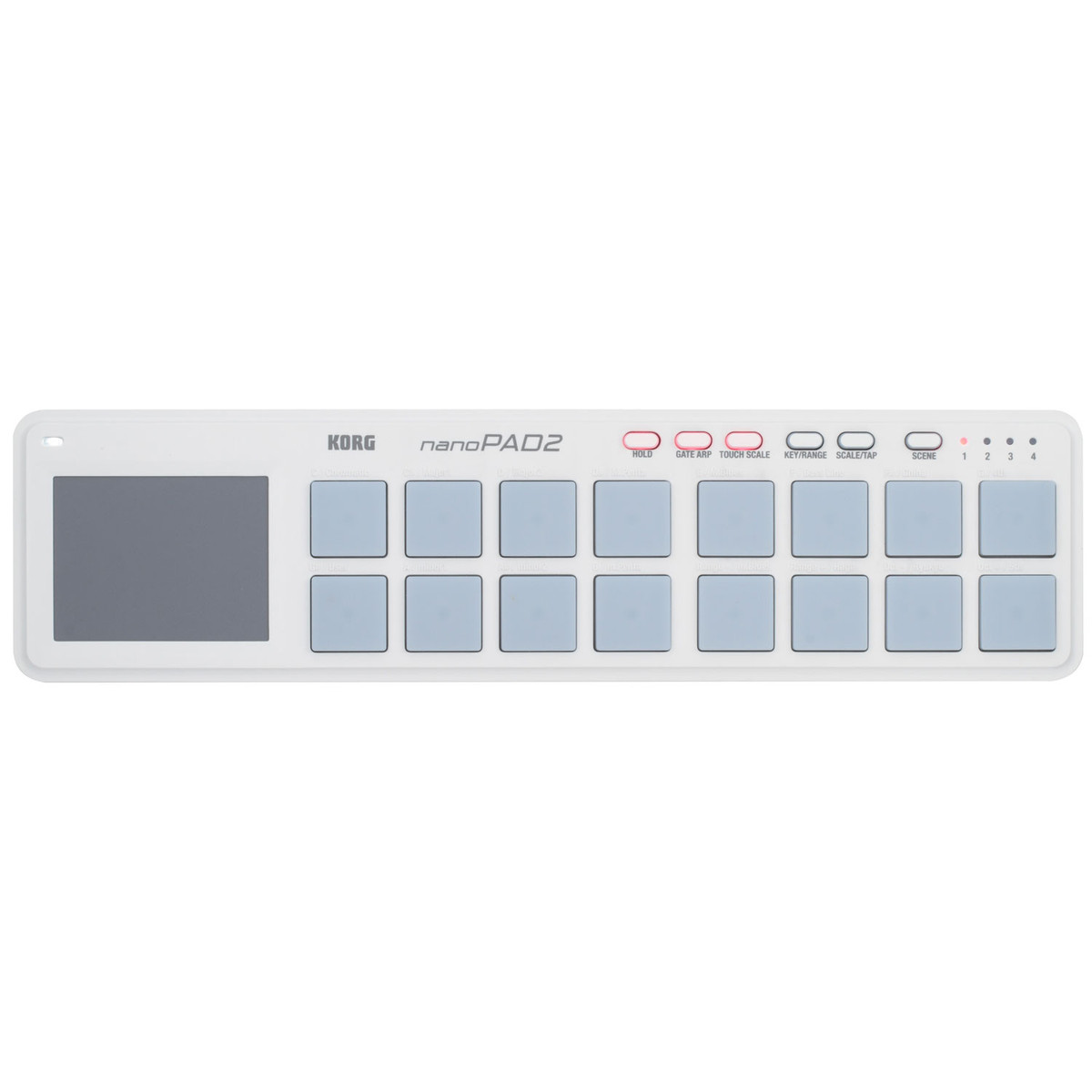
Within the market for desktop controllers, the Flow Studio is more specialised than generic devices like the Korg nanoPAD2 or Nektar Aura. While the PreSonus FaderPort 8 focuses on motorized fader control for DAW transport and volume, the Flow Studio is more focused on deep plugin parameter manipulation and visualising signal processing. It offers a more dedicated software-hardware ecosystem compared to standard MIDI keyboards such as the M-Audio Keystation or Korg microKEY series, which are primarily aimed at note entry rather than mixing and processing.
Related gear
 £76.00 ($97)
M-Audio
M-Audio Keystation 49 MKIII USB MIDI Keyboard
 £55.00 ($70)
Korg
Korg microKEY 25 Key USB MIDI Keyboard
 £1,019.00 ($1,294)
Expressive E
Expressive E Osmose CE 61-Note MIDI Controller Keyboard
 £138.25 ($176)
Korg
Korg microKEY-2 AIR 49-Key Bluetooth MIDI Keyboard
 £290.50 ($369)
Nektar Technologies
Nektar Aura Beat Composer Pad Controller
 £429.00 ($545)
PreSonus
PreSonus FaderPort 8 DAW Control Surface
 £44.00 ($56)
Korg
Korg nanoPAD2 USB MIDI Controller White
 £46.70 ($59)
Korg
Korg nanoPAD2 USB MIDI Controller Black
Frequently asked questions
- What is the primary function of the Softube Flow Studio Control Surface?
- It is a compact mixing controller designed to provide hands-on control and visual feedback for the Flow Studio Suite software and other DAW functions.
- How many plugins are included with the hardware?
- The device includes the Flow Studio Suite, which features 25 Softube plugins.
- What type of screen does the Flow Studio feature?
- It features a 4.3-inch high-resolution screen that displays visualisations like EQ curves and compression behaviour.
- What are 'Analog Feel' potentiometers?
- These are five touch-sensitive knobs designed to provide a high-quality tactile response when controlling macro parameters within the software.
- Does the unit require a separate power supply?
- The device connects via USB-C, which typically provides bus power for the unit, though the specific power requirements are managed through the USB connection.
- What kind of signal chains are included?
- There are over 100 professionally designed signal chains for various elements such as vocals, guitars, and mix buses.
- Is the device compatible with all DAWs?
- While designed to integrate deeply with Softube software, it functions as a MIDI controller within most standard Digital Audio Workstations.
- What visual feedback is provided for settings?
- The unit uses RGB LEDs and the high-resolution screen to help users keep track of their settings and parameter changes.
- How does this compare to the PreSonus FaderPort 8?
- The FaderPort 8 is a larger fader-based DAW controller, whereas the Flow Studio is a compact macro-control surface focused on plugin processing and visualisations.
- Can the Flow Studio control EQ and compression?
- Yes, it is specifically designed to show and control EQ curves and compression behaviour on its integrated screen.
- What is the typical price for the Softube Flow Studio?
- The typical price range for the unit is approximately GBP 339.
- Does it have keys for playing melodies?
- No, it is a dedicated control surface for mixing and processing; it does not have piano-style keys like a Korg microKEY or M-Audio Keystation.